
Carousel Control
v0.2.0
Tools
Coming soon
Flip through Instagram carousel posts with your keyboard. Hold Shift and use the arrow keys, no more clicking the tiny arrow for every slide.
Flip through Instagram carousel posts with your keyboard. Hold Shift and use the arrow keys, no more clicking the tiny arrow for every slide.
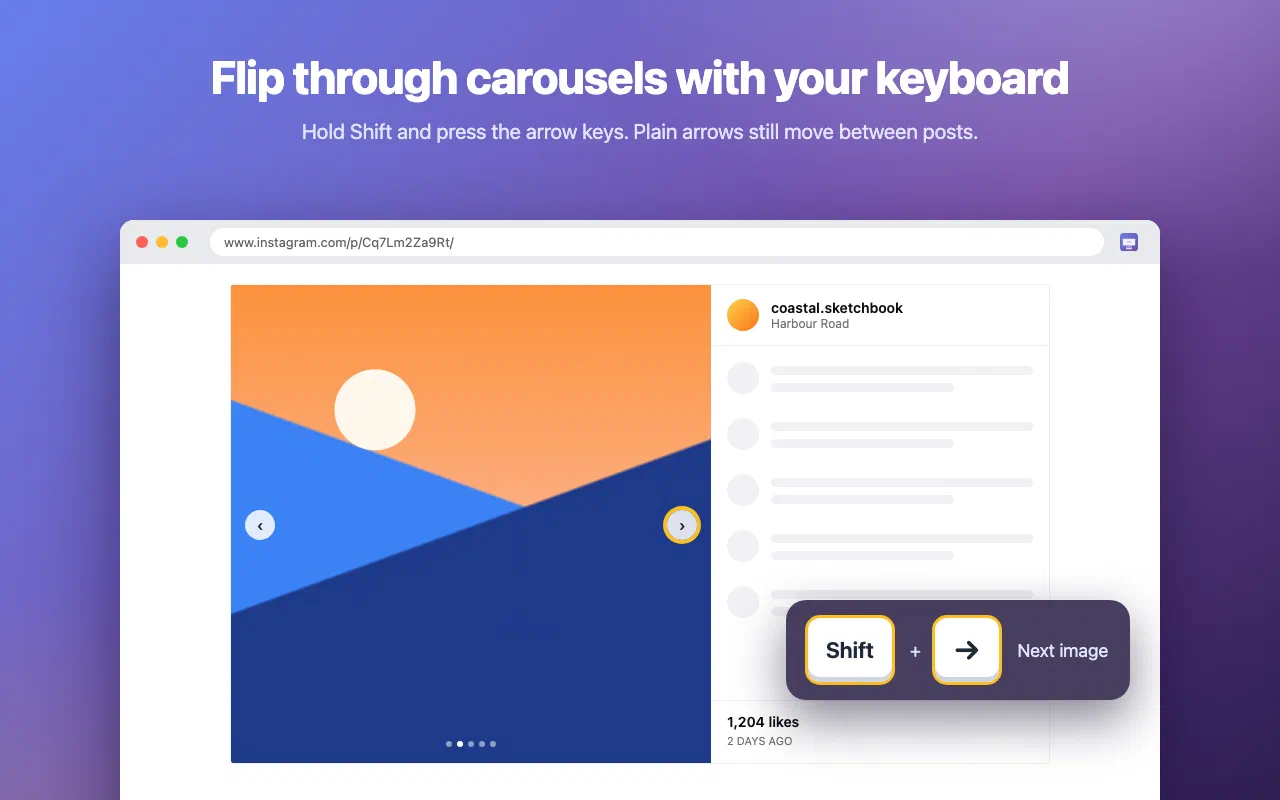
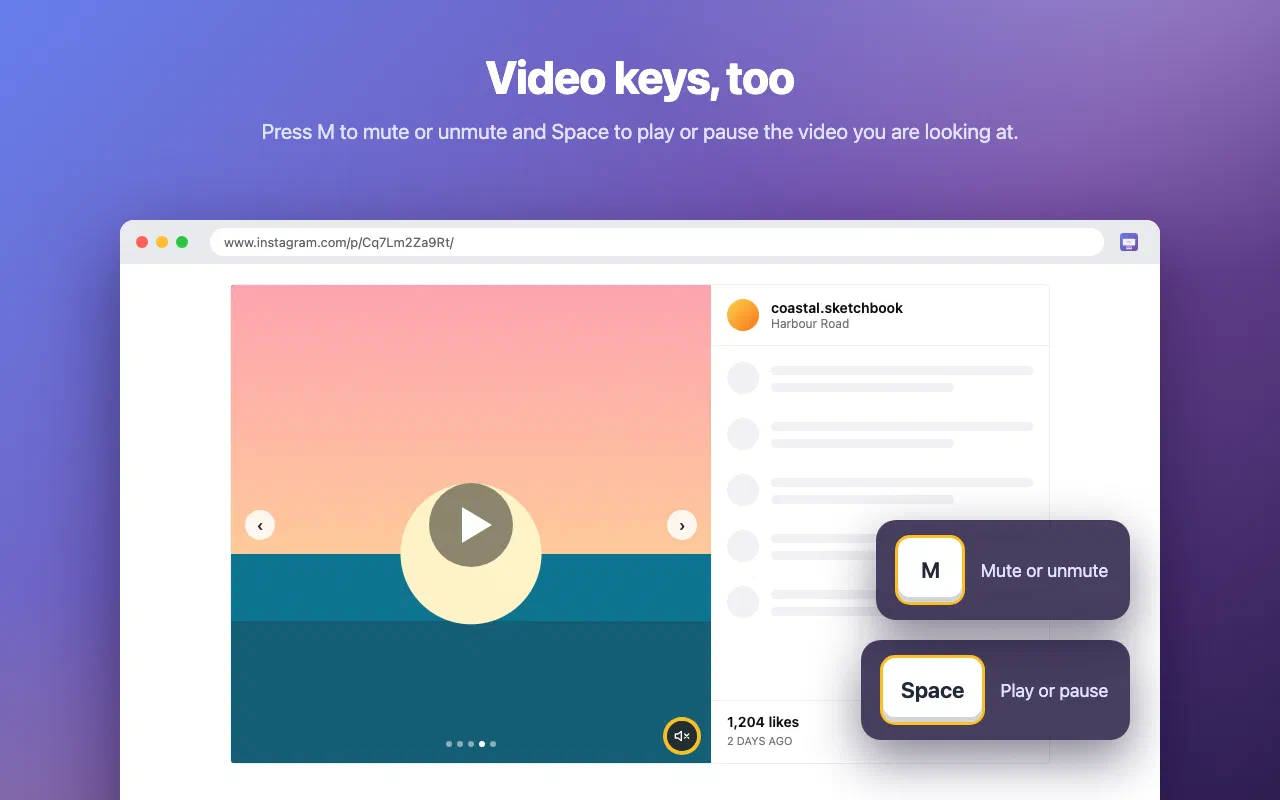
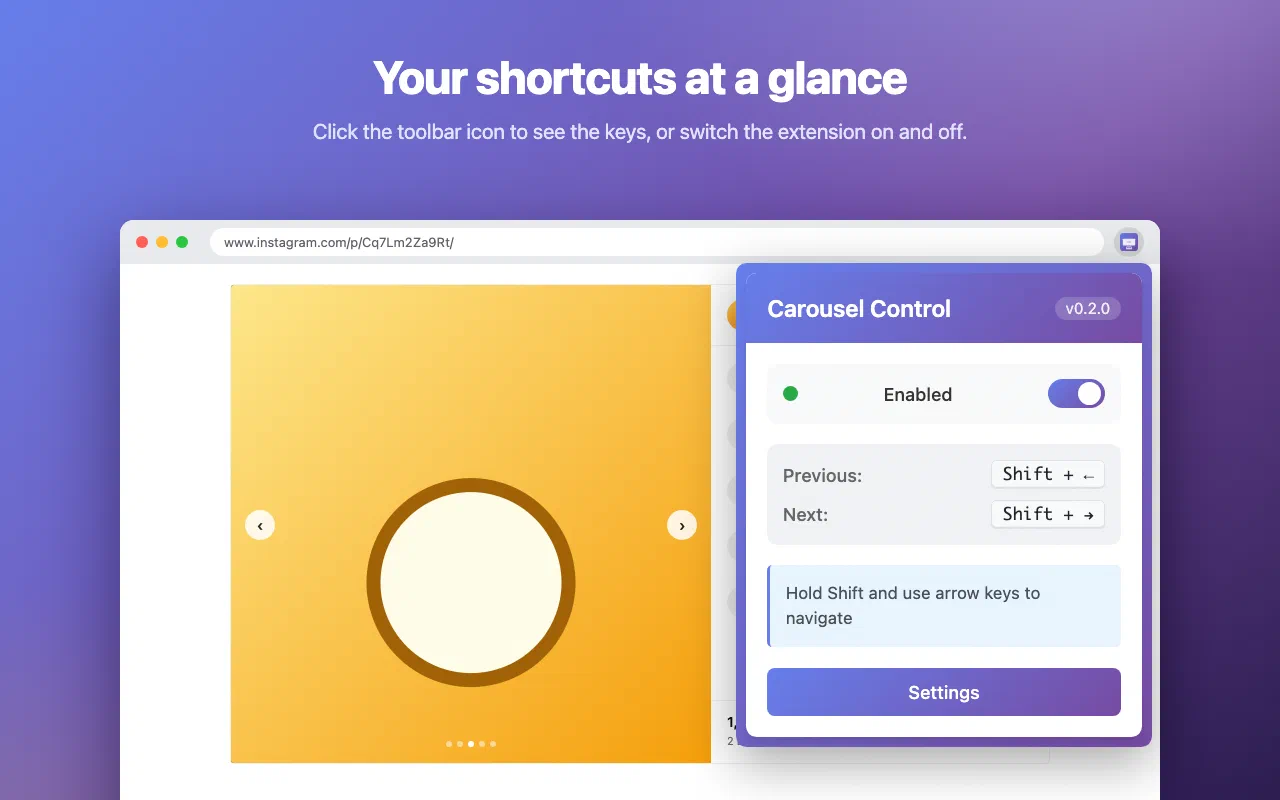
Instagram posts with several photos or videos (carousels) need a mouse click on a small arrow for every slide. Carousel Control lets you hold a modifier key and use the arrow keys instead.
Hold Shift and press → for the next slide or ← for the previous one. Carousel Control acts on the carousel post you are looking at. Release Shift and the plain arrow keys move between posts, as before.
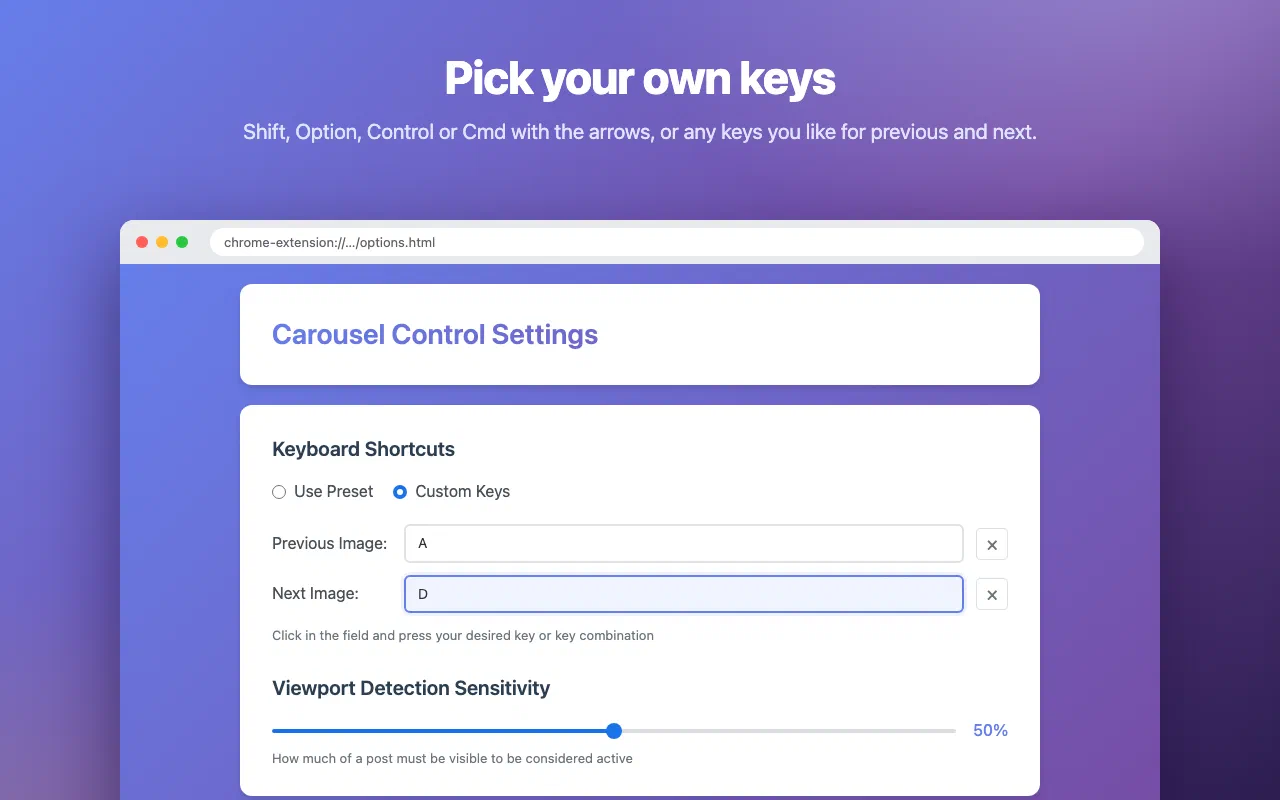
Prefer another modifier? Pick Option (Alt), Control or Cmd (Win), or choose any key combination you like. You can also set how much of a post must be visible before the keys act on it.
Carousel Control is not affiliated with or endorsed by Instagram or Meta Platforms, Inc.
Every permission this extension asks for, and why it needs it.
chrome.storage.sync. If you use Chrome sync, Chrome syncs them between your own devices.Carousel Control collects nothing and makes no network requests. It runs on instagram.com only, and your settings stay in Chrome's own extension storage. No account, no analytics, no server of ours involved.
Read the privacy policy →Need help with Carousel Control, found a bug, or have a feature request? Get in touch and we'll get back to you.