Countdown Timer: Big Full-Tab Timer
v1.0.0
Productivity
Coming soon
A big, clear countdown timer in its own browser tab, on a fresh photo. Great for talks, classes, workouts, cooking, focus sessions and meetings.
A big, clear countdown timer in its own browser tab, on a fresh photo. Great for talks, classes, workouts, cooking, focus sessions and meetings.
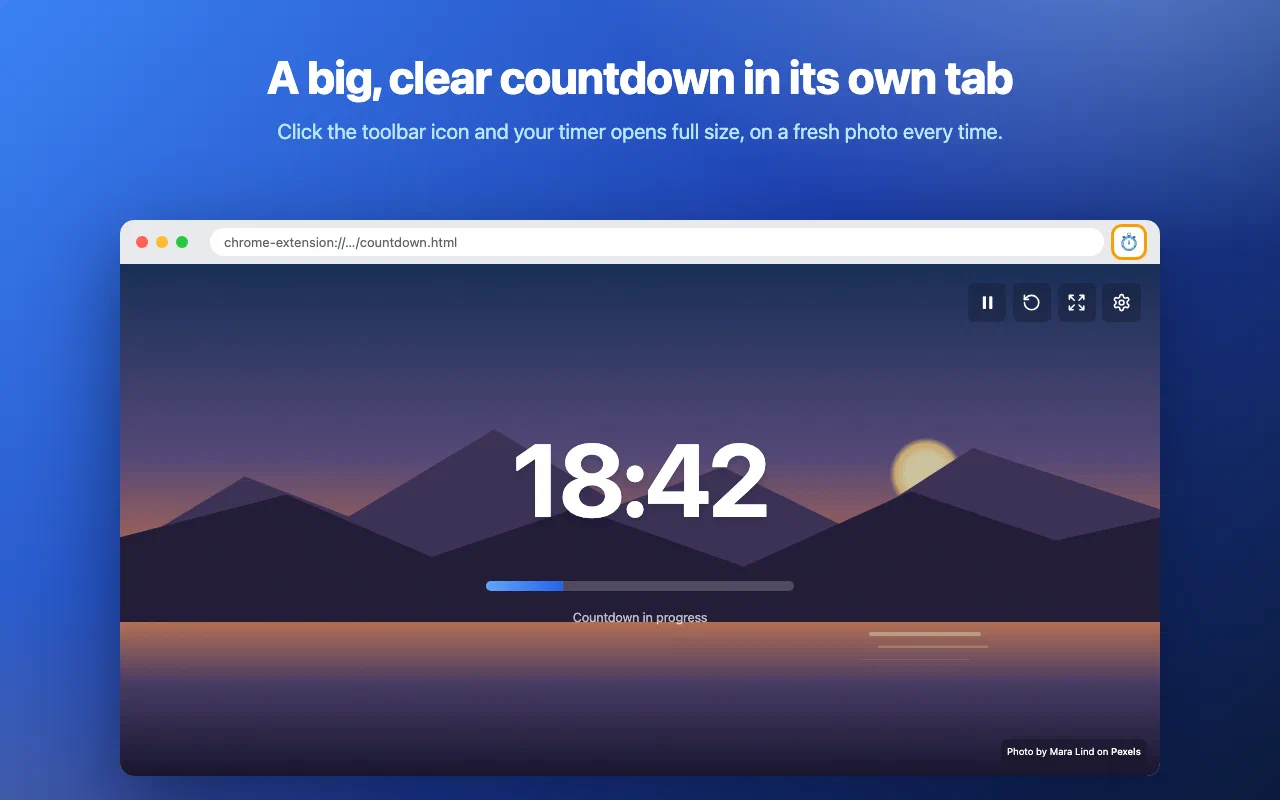
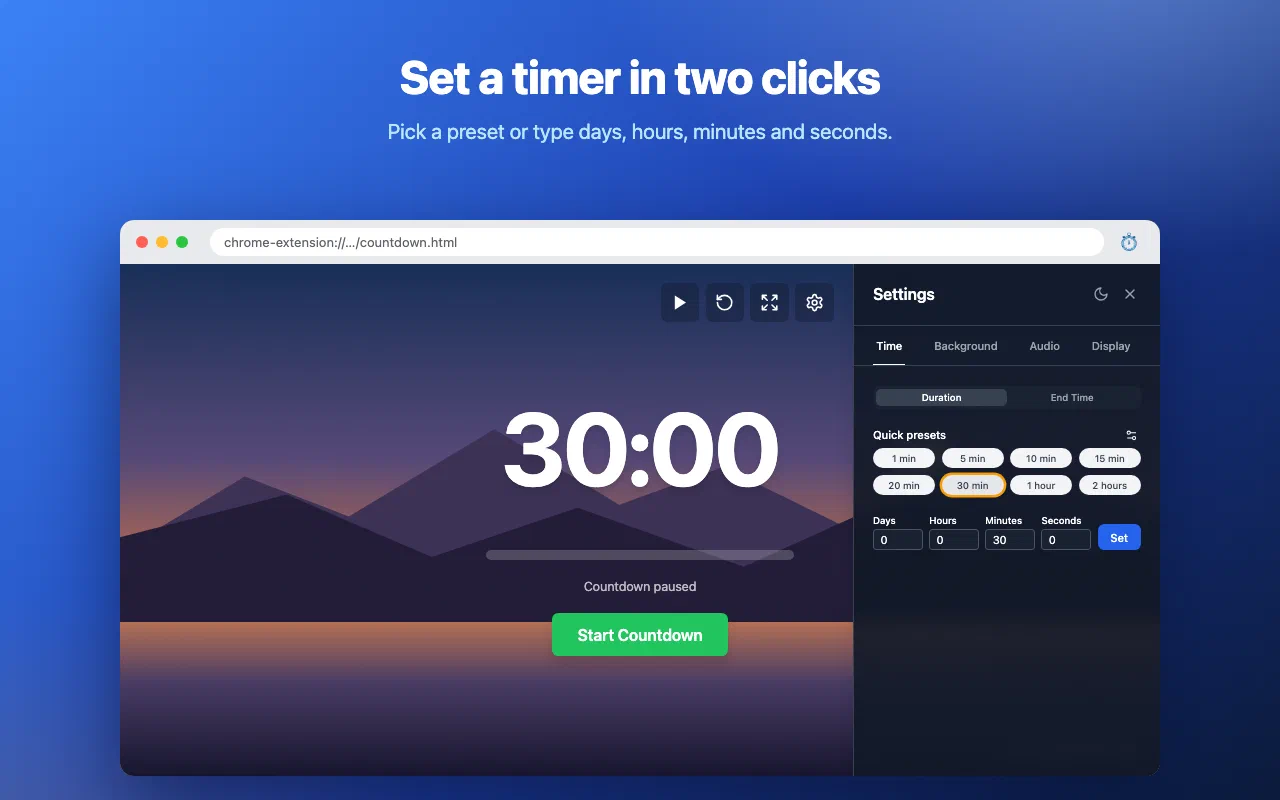
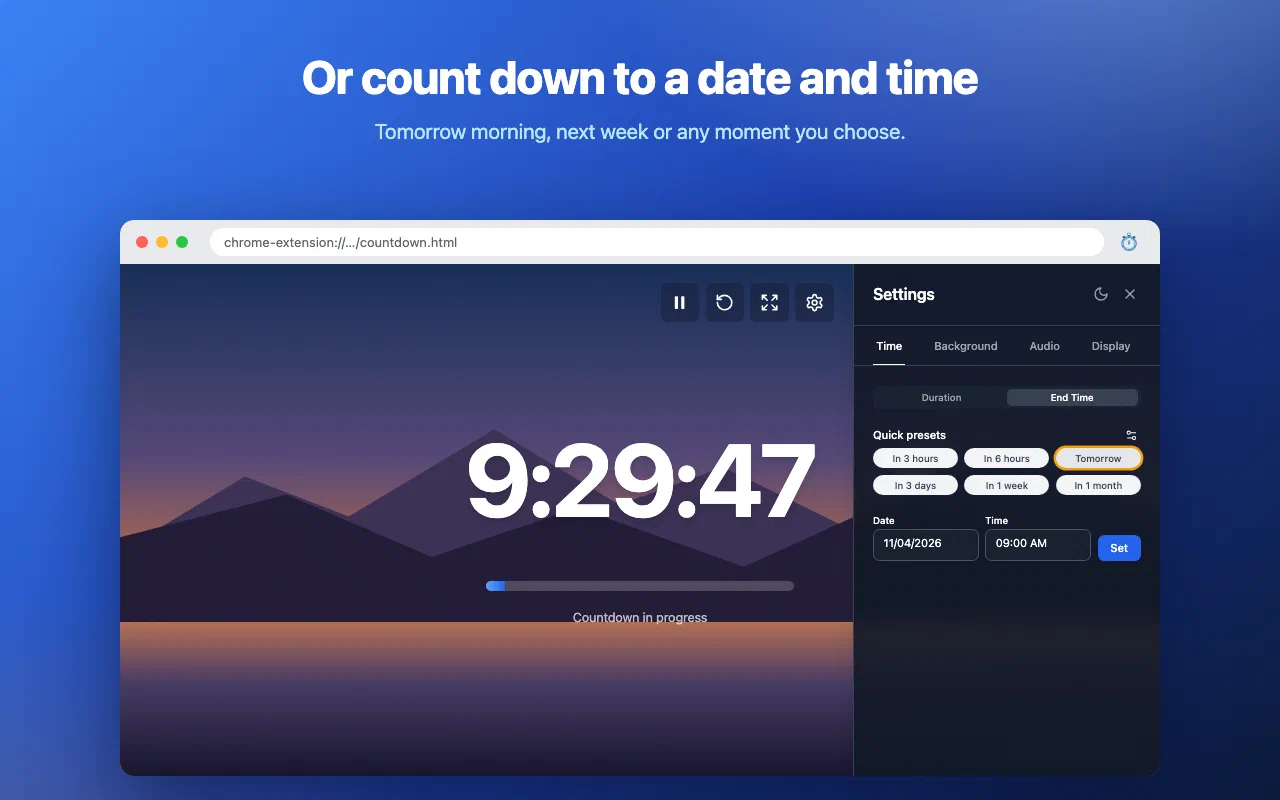
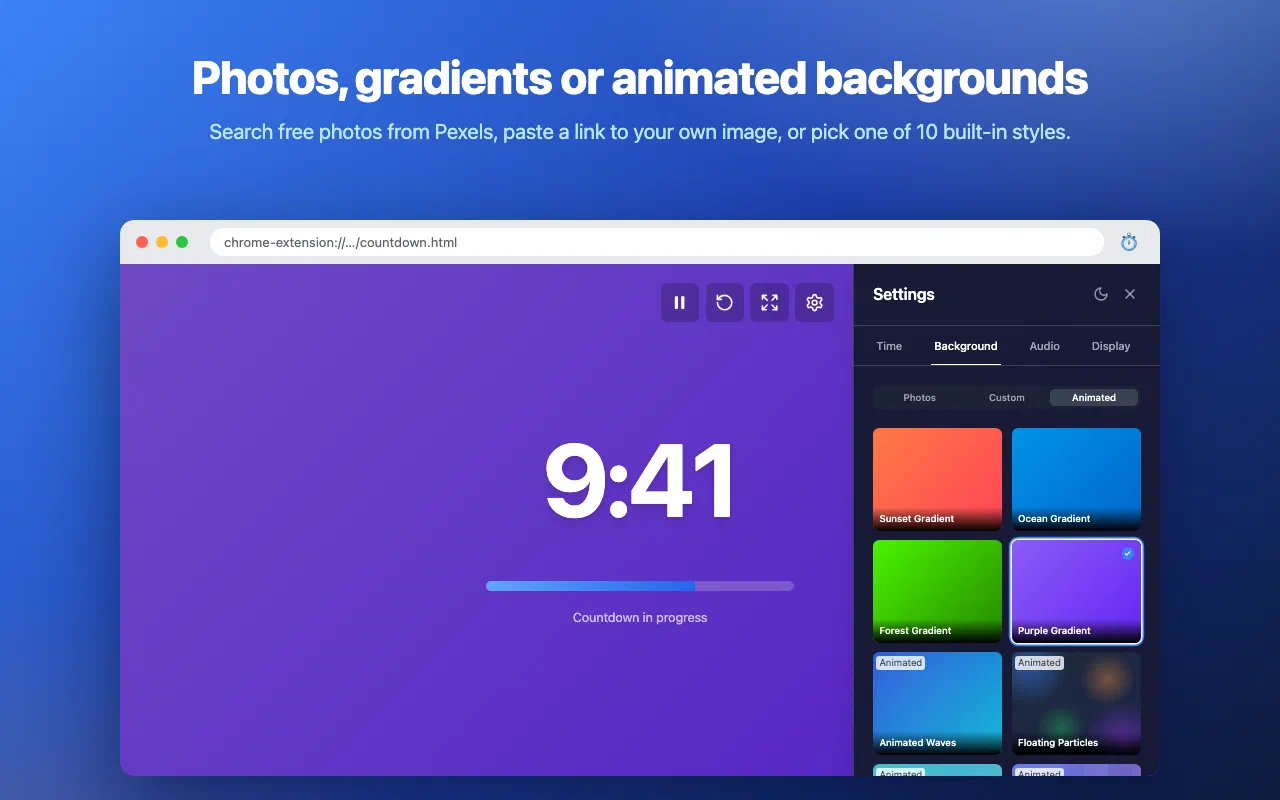
Click the toolbar icon and Countdown Timer opens in its own tab, full size, on a fresh photo. Set a duration or a date and time, press start, and the remaining time fills the screen.
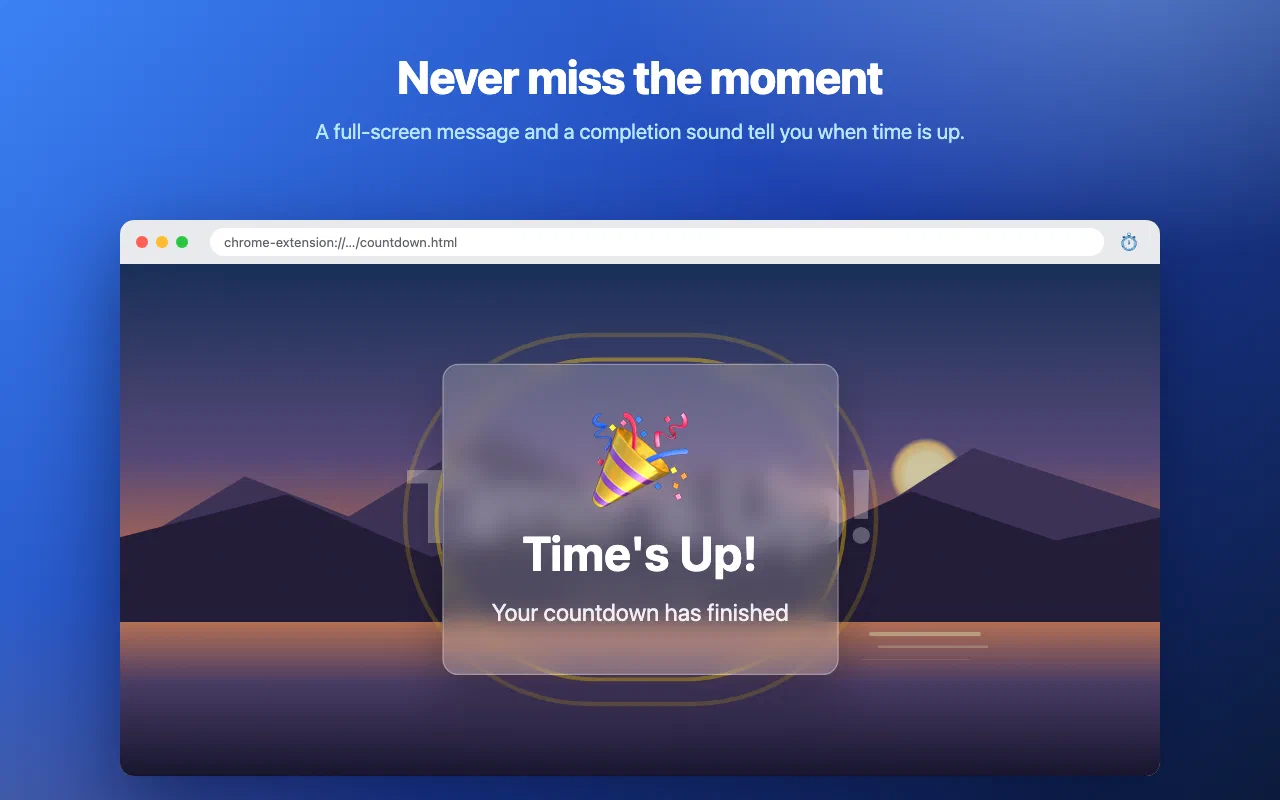
Pick a duration (days, hours, minutes and seconds) or an end time, or tap one of the presets. The numbers scale to the time left, and a progress bar shows how far along you are. When the time is up, a full-screen “Time’s Up!” message appears with a chime. Keep the timer tab open to hear it.
The background is yours to choose: browse curated photos from Pexels, search for any theme, let it pick a random one, paste a link to your own image, or use one of the built-in gradients and animations, which work without an internet connection.
Every permission this extension asks for, and why it needs it.
chrome.storage.sync, so the timer survives closing the tab and restarting the browser.Countdown Timer has no server, no analytics and no install ping. Your timer and settings stay in your browser. The only outside service is Pexels: photo requests, including the words you search for, go to the Pexels API.
Read the privacy policy →Need help with Countdown Timer: Big Full-Tab Timer, found a bug, or have a feature request? Get in touch and we'll get back to you.