Home / Extensions / Feed Fabrik
Feed Fabrik icon

Feed Fabrik

v1.2.0 Productivity Available

Your modern RSS companion. Smart feed discovery, beautiful organization, and a clean reading experience, right in your browser.

Works in Google Chrome and other Chromium-based browsers, such as Microsoft Edge, Brave, Vivaldi and Opera.

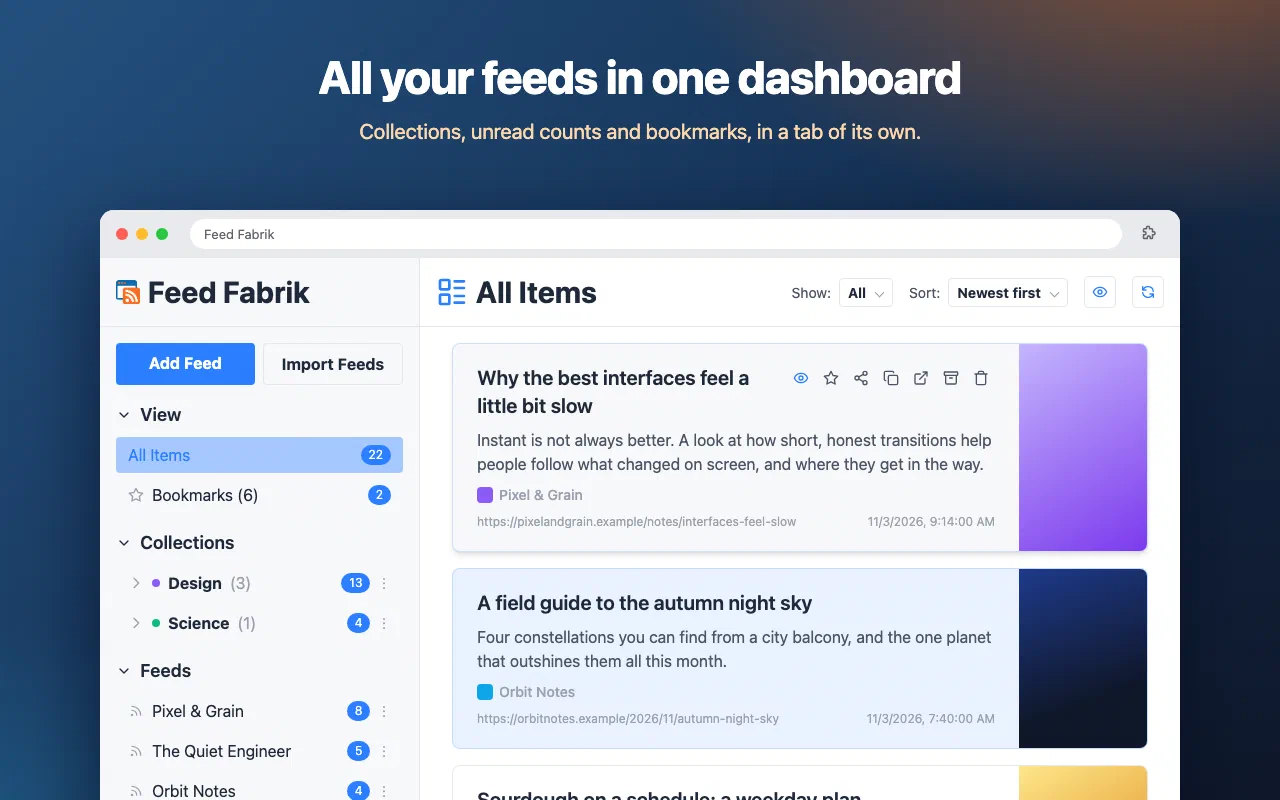
  • The dashboard with collections, feeds, unread counts and item actions
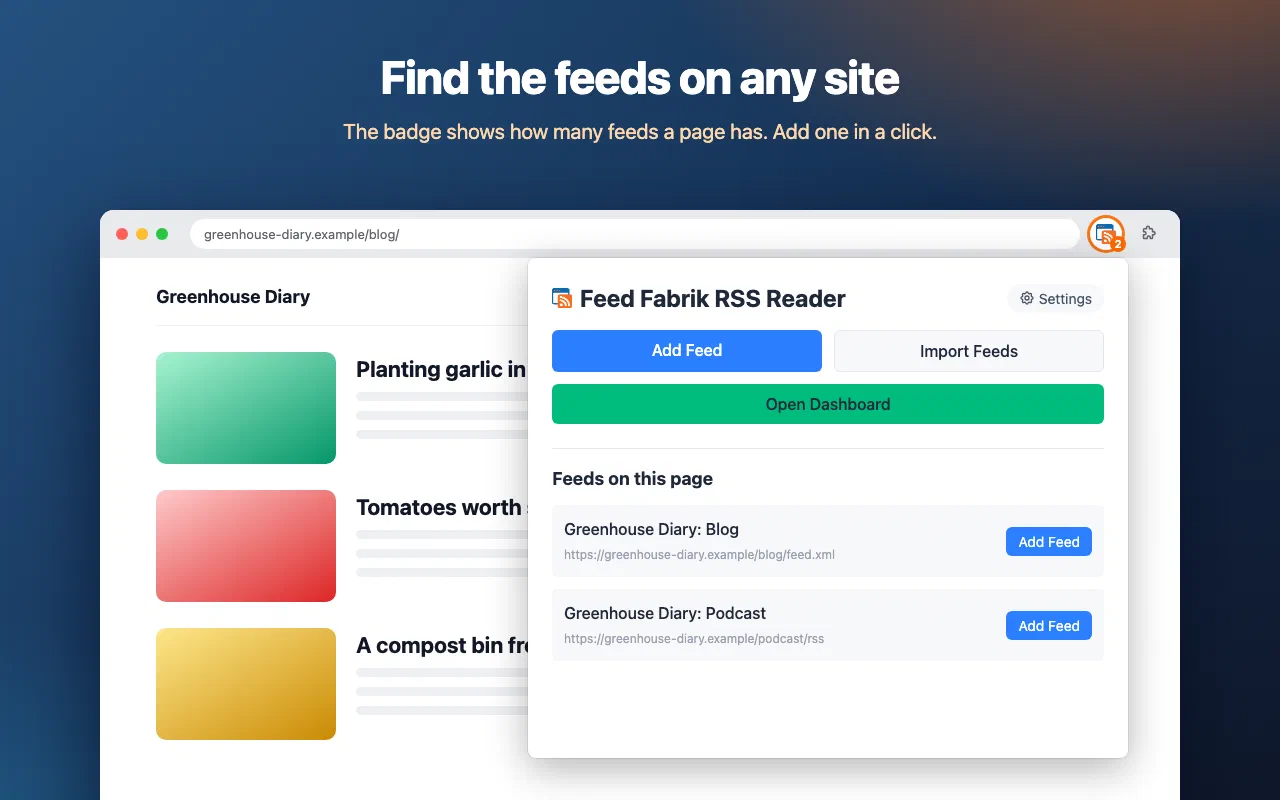
  • The toolbar badge and popup list the feeds found on a site
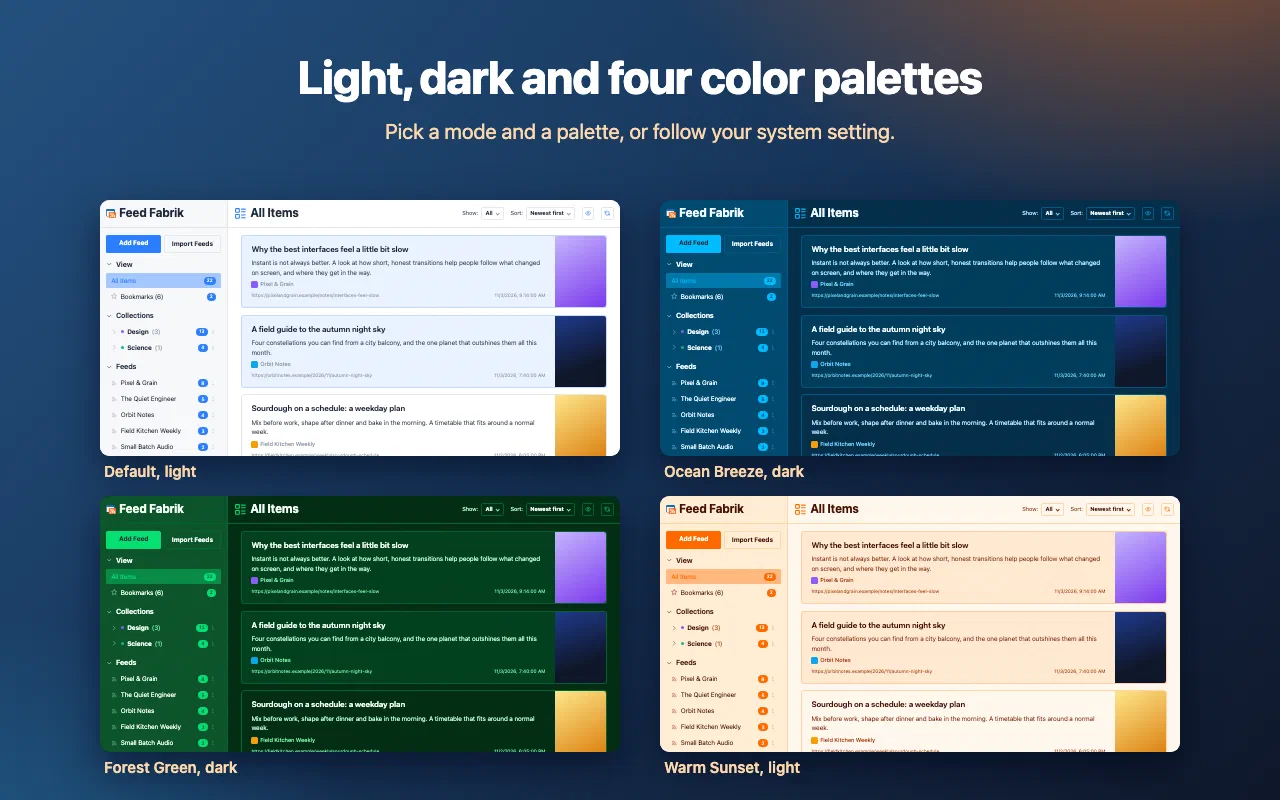
  • Four colour themes in light and dark
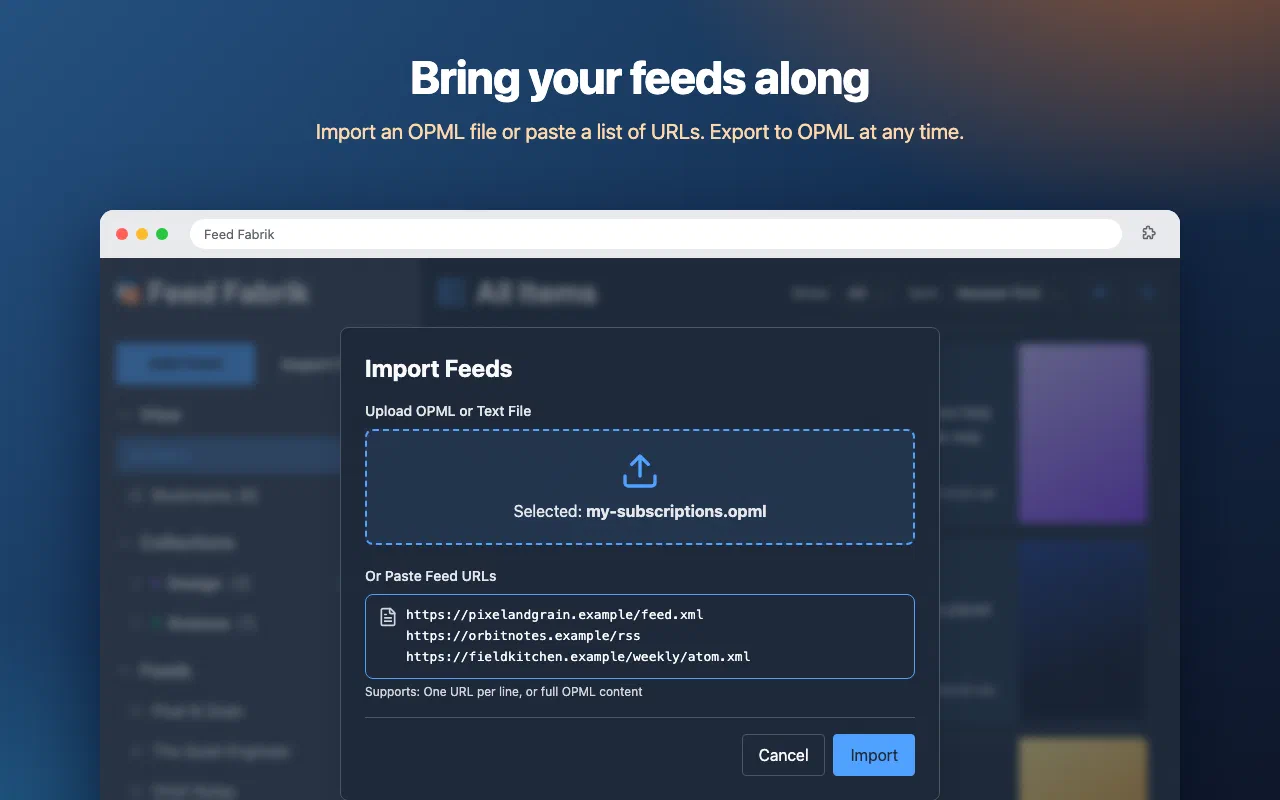
  • Importing feeds from an OPML file
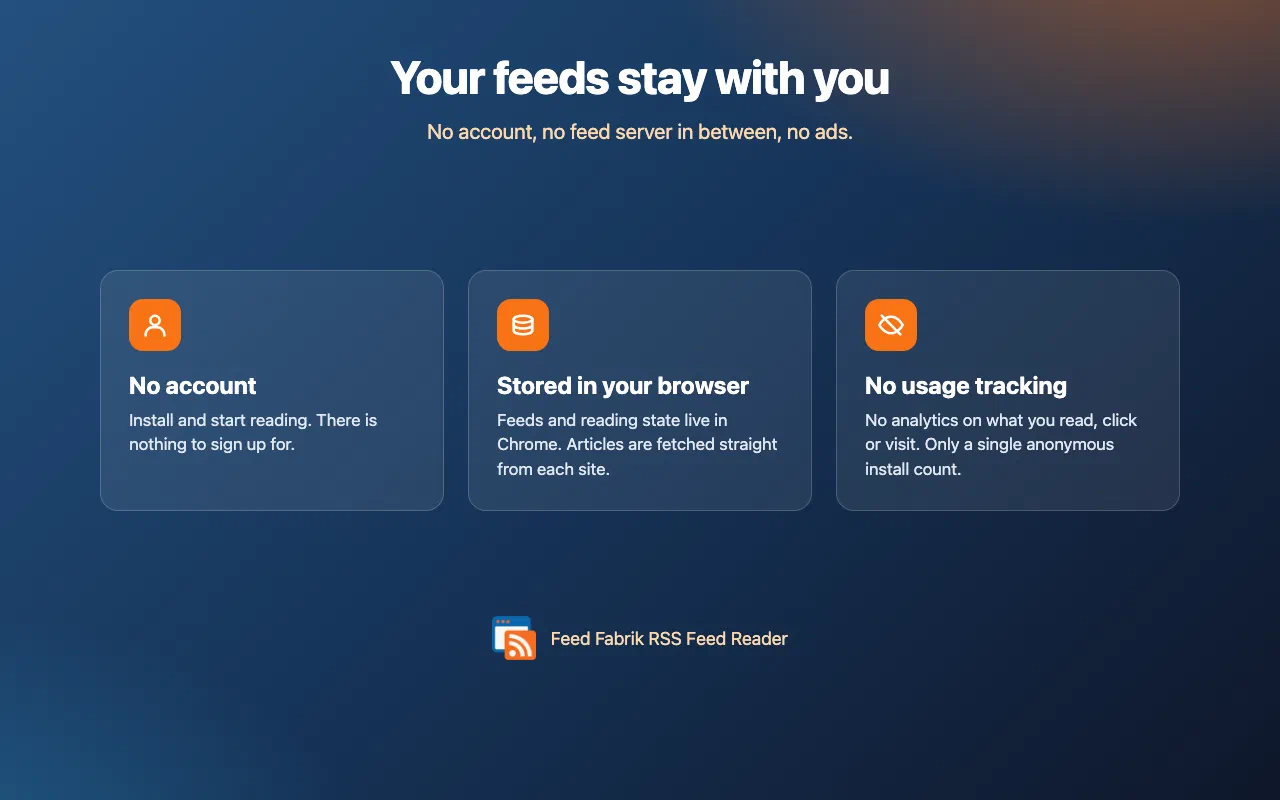
  • No account, everything stored in your browser, no usage tracking

What is Feed Fabrik?

In a world drowning in social media noise, RSS feeds offer something precious: content you actually want to read, delivered on your terms. Feed Fabrik brings RSS into the modern era with intelligent feed discovery, beautiful organization, and a reading experience that actually makes sense.

Whether you’re tracking industry news, following your favorite blogs, or staying on top of niche topics, Feed Fabrik turns the overwhelming web into your own curated information source. No algorithms deciding what you see, just the content you choose, delivered exactly when you want it.

Install it from the Chrome Web Store, or learn more on the feedfabrik.com website.

Who it’s for

  • Professionals keeping an eye on industry news without the social media churn
  • Researchers tracking dozens of sources without losing the thread
  • Content creators monitoring their niche
  • Privacy-conscious readers who’d rather not be the product of an algorithmic feed
  • Anyone who’s tired of endless scrolling and wants real reading back

Features

What it doesn't do

Permissions

Every permission this extension asks for, and why it needs it.

storage
Saves your feed list, collections, and reading state locally in your browser. Nothing is uploaded to a remote database.
tabs
Opens the Feed Fabrik dashboard and lets the popup link straight to articles in new tabs.
activeTab + scripting
Lets the popup work with the tab you are looking at, for example to show and add the feeds found on that page.
alarms
Schedules background checks for new items in your subscribed feeds.
host_permissions: <all_urls> + content script
Required so you can subscribe to and download feeds from any site. On each page you open, a small script looks for feed links in the page, in your browser, so the toolbar icon can show that feeds were found. It does not record or transmit which pages you visit.
clipboardRead (optional)
Optional. If granted, lets you paste a feed URL directly into the add-feed form. Not requested unless you use that feature.
notifications (optional)
Optional. If granted, lets Feed Fabrik notify you when new items arrive in your feeds. Not requested unless you enable notifications.

Privacy first

Your feeds and reading history stay in your browser (and your own Chrome sync), and feeds are downloaded straight from their publishers. No usage analytics: the only signal we get is one anonymous ping when the extension is installed, and a page view if you uninstall it.

Read the privacy policy →

Support

Need help with Feed Fabrik, found a bug, or have a feature request? Get in touch and we'll get back to you.