
SafePass Guru
v1.0.0
Privacy & Security
Coming soon
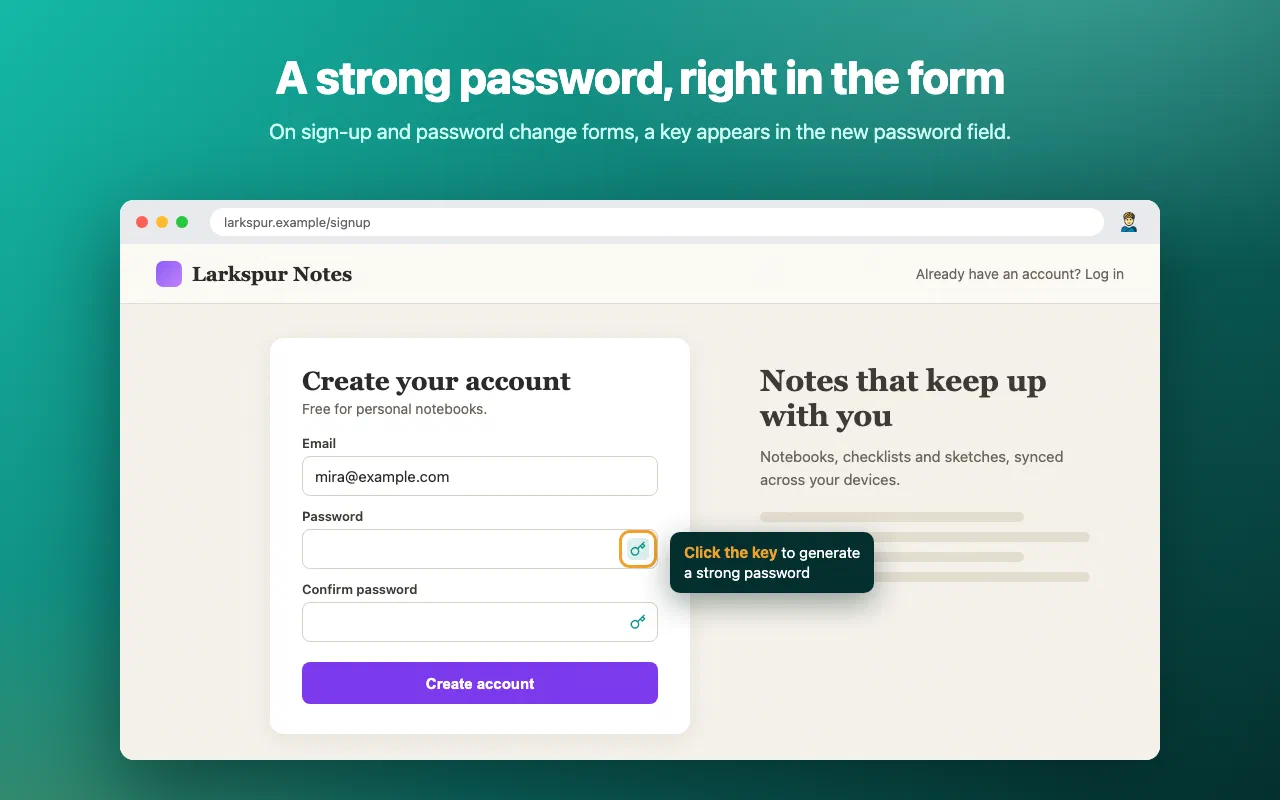
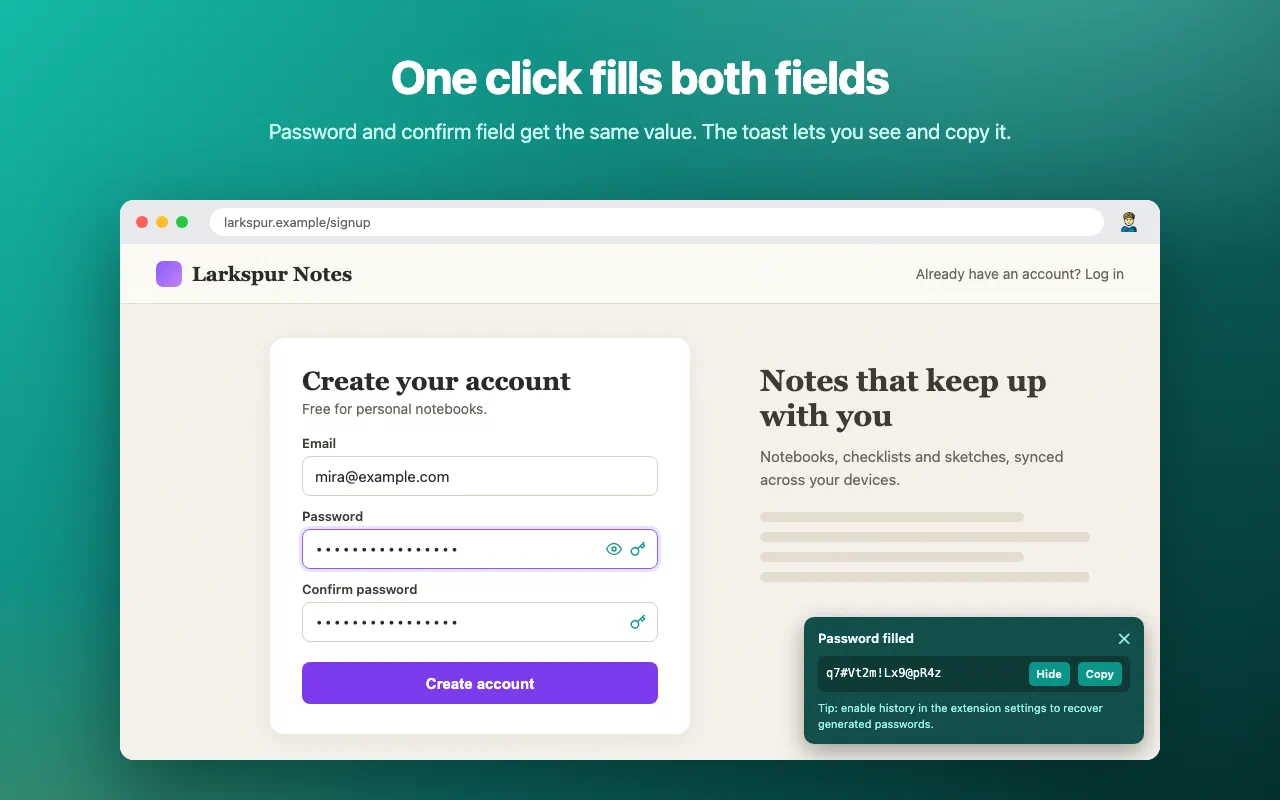
Strong passwords where you need them: in the form. A key icon in every new password field, one click to generate and fill, confirm field included.
Strong passwords where you need them: in the form. A key icon in every new password field, one click to generate and fill, confirm field included.
SafePass Guru is the browser extension of safepass.guru, the free online password generator. It puts the same generator right where you need it: in the new password field of the form you are filling in.
SafePass Guru spots sign-up, password change and password reset forms and adds a small key icon to the new password field. Click it and a strong password is generated and filled in, confirm field included.
No icon on a field? Right-click it and pick Generate password here, or press Alt+Shift+G. Hide the icon on a site from the right-click menu or the toolbar popup.
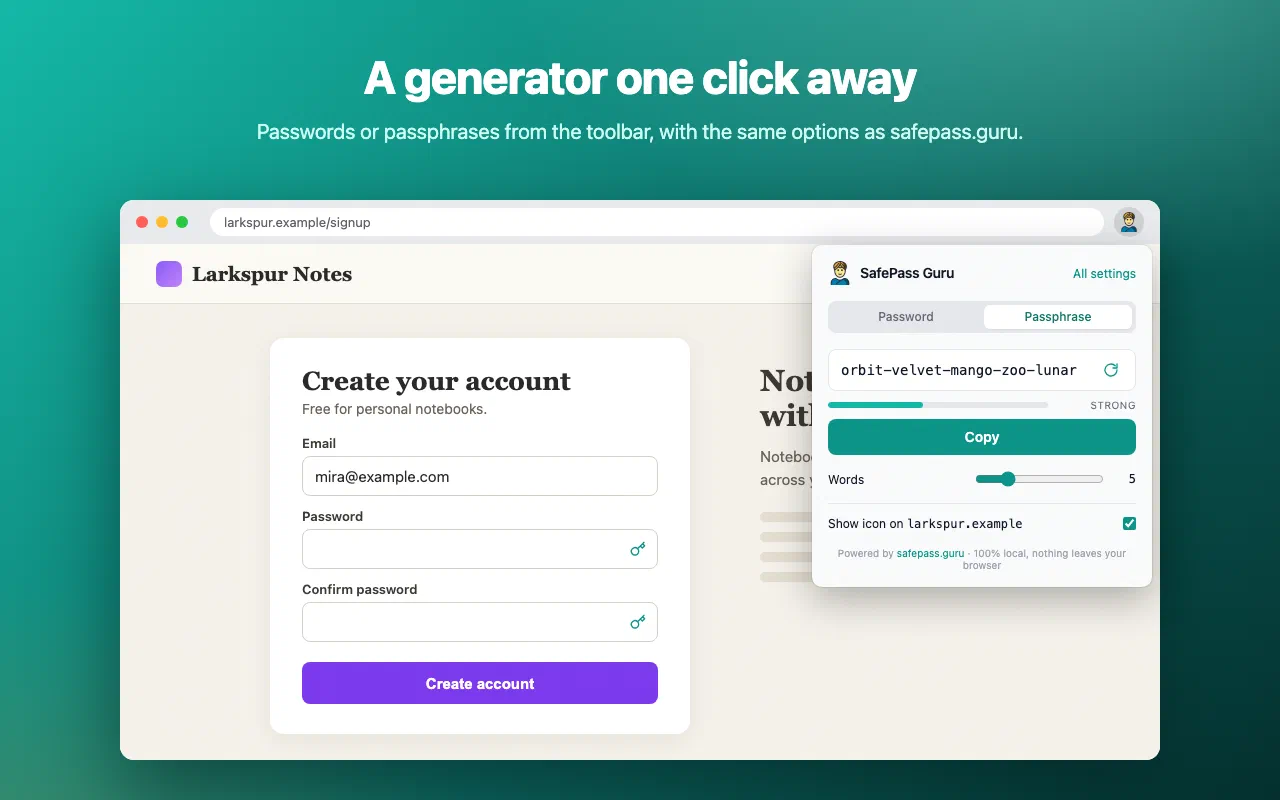
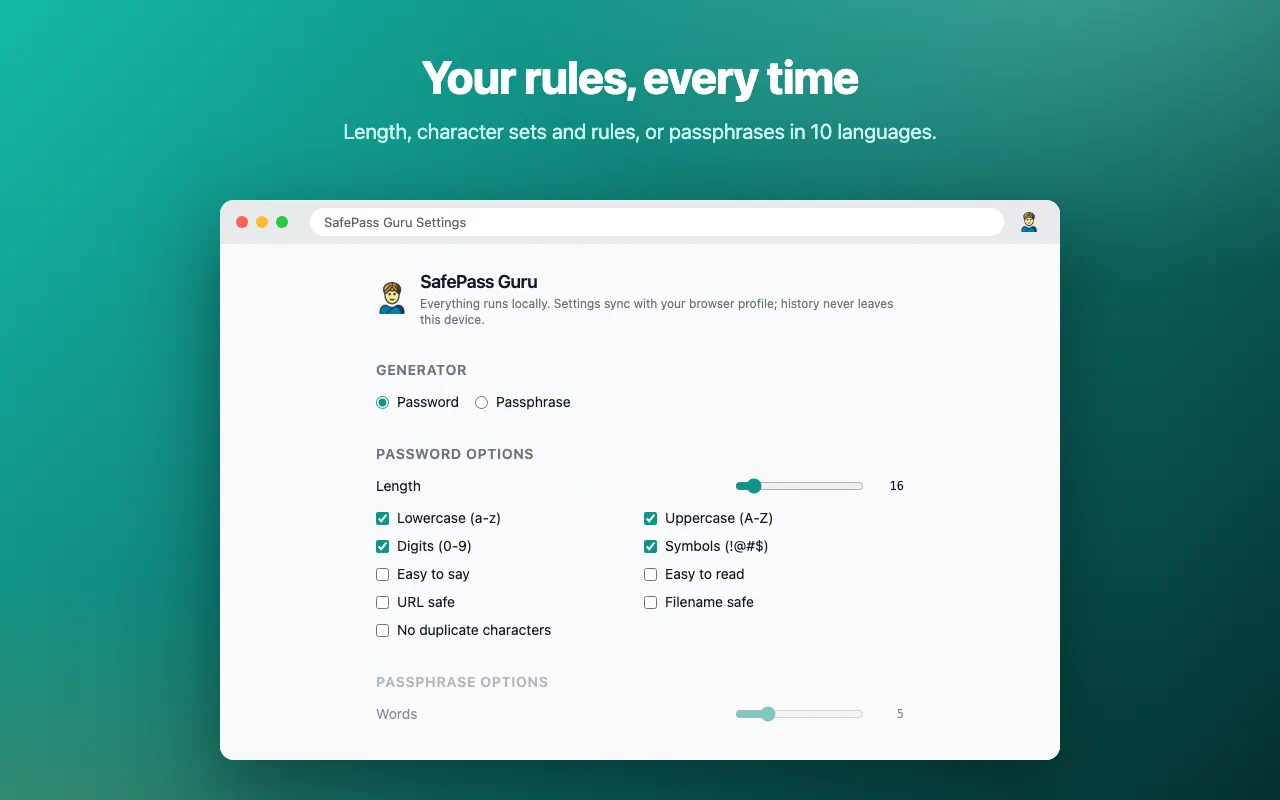
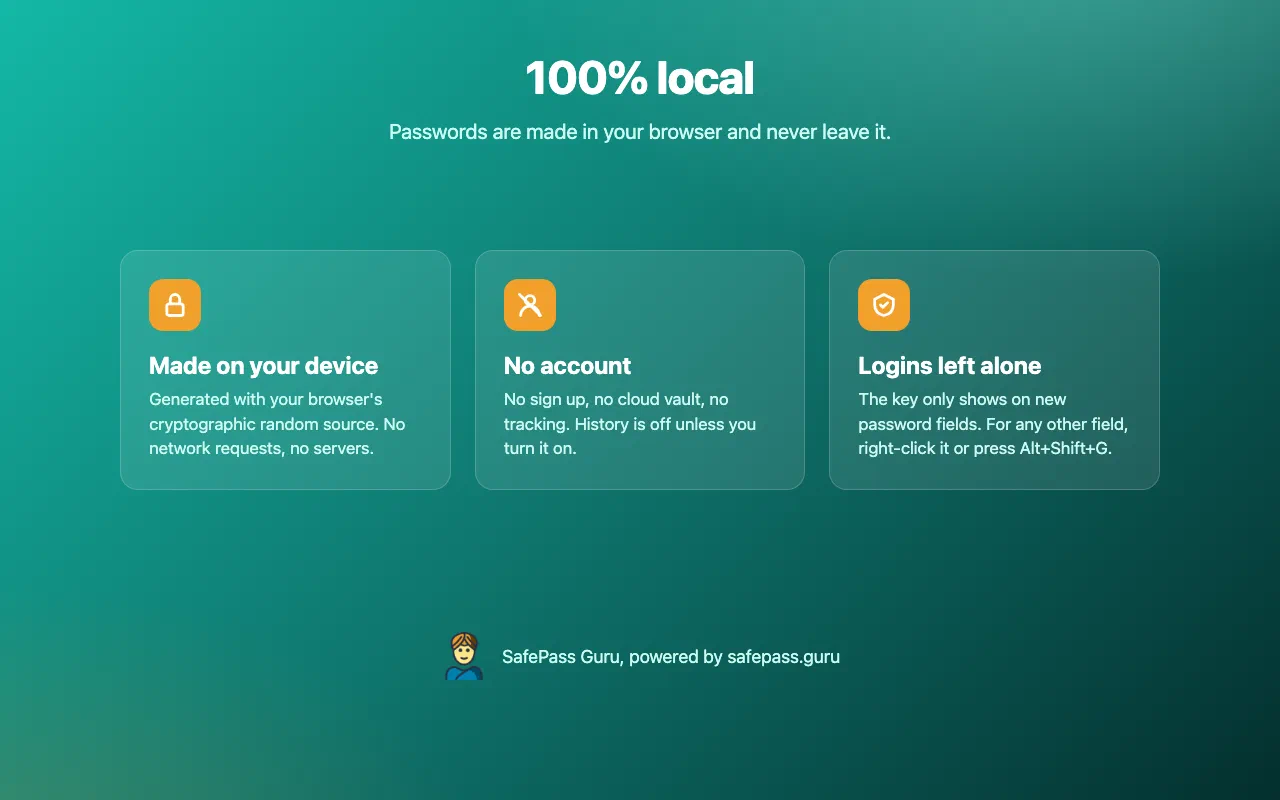
Passwords are generated with your browser’s cryptographic random number generator (Web Crypto). Choose the length and character sets, or make them easy to say, easy to read, URL safe or filename safe. Prefer something you can remember? Switch to BIP39 passphrases.
Every permission this extension asks for, and why it needs it.
chrome.storage.sync, and the optional recovery history in chrome.storage.local on this device only.SafePass Guru collects nothing and makes no network requests. Passwords are generated with your browser's cryptographic random number generator and never leave your browser. No account, no analytics, no server of ours involved.
Read the privacy policy →Need help with SafePass Guru, found a bug, or have a feature request? Get in touch and we'll get back to you.