
Speed Reader: One Word at a Time
v0.1.0
Productivity
Coming soon
Read articles faster, one word at a time. Your eyes stay in one spot while the words come to you, in a calm full-screen reader.
Read articles faster, one word at a time. Your eyes stay in one spot while the words come to you, in a calm full-screen reader.
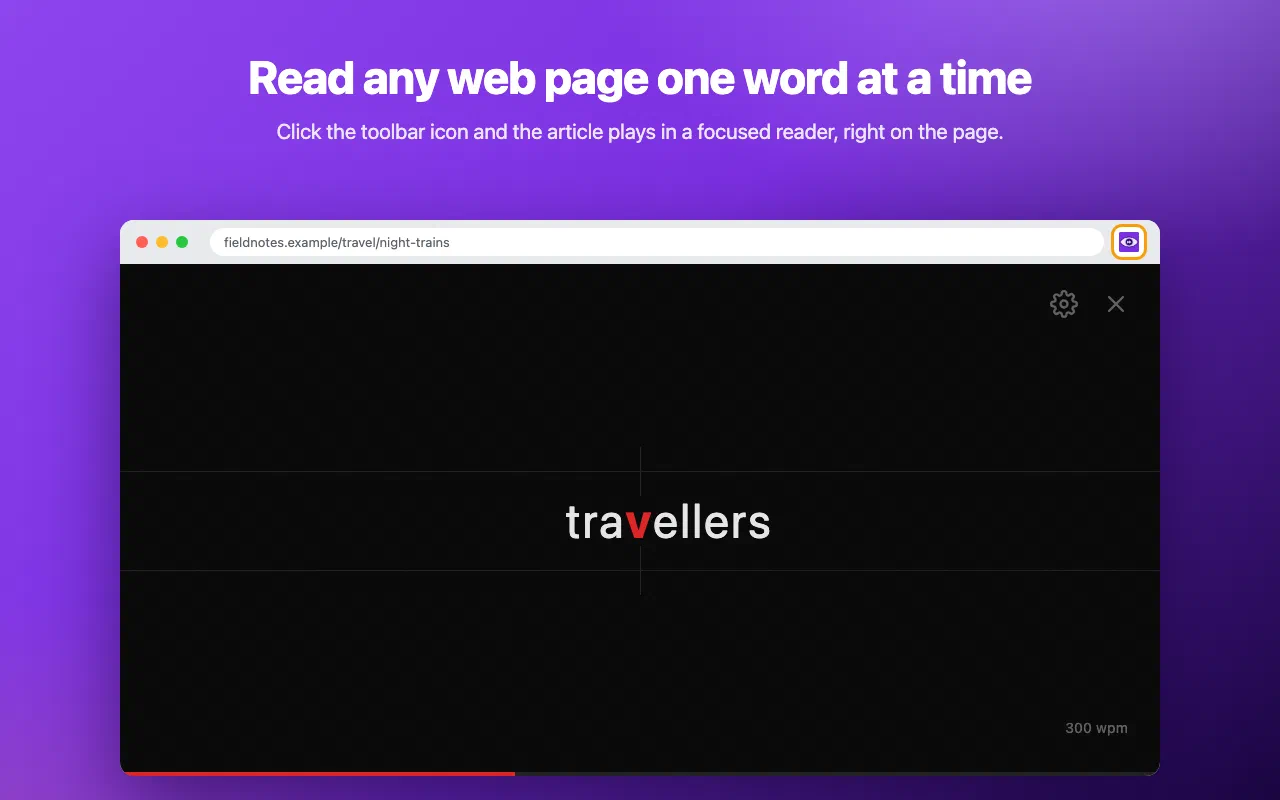
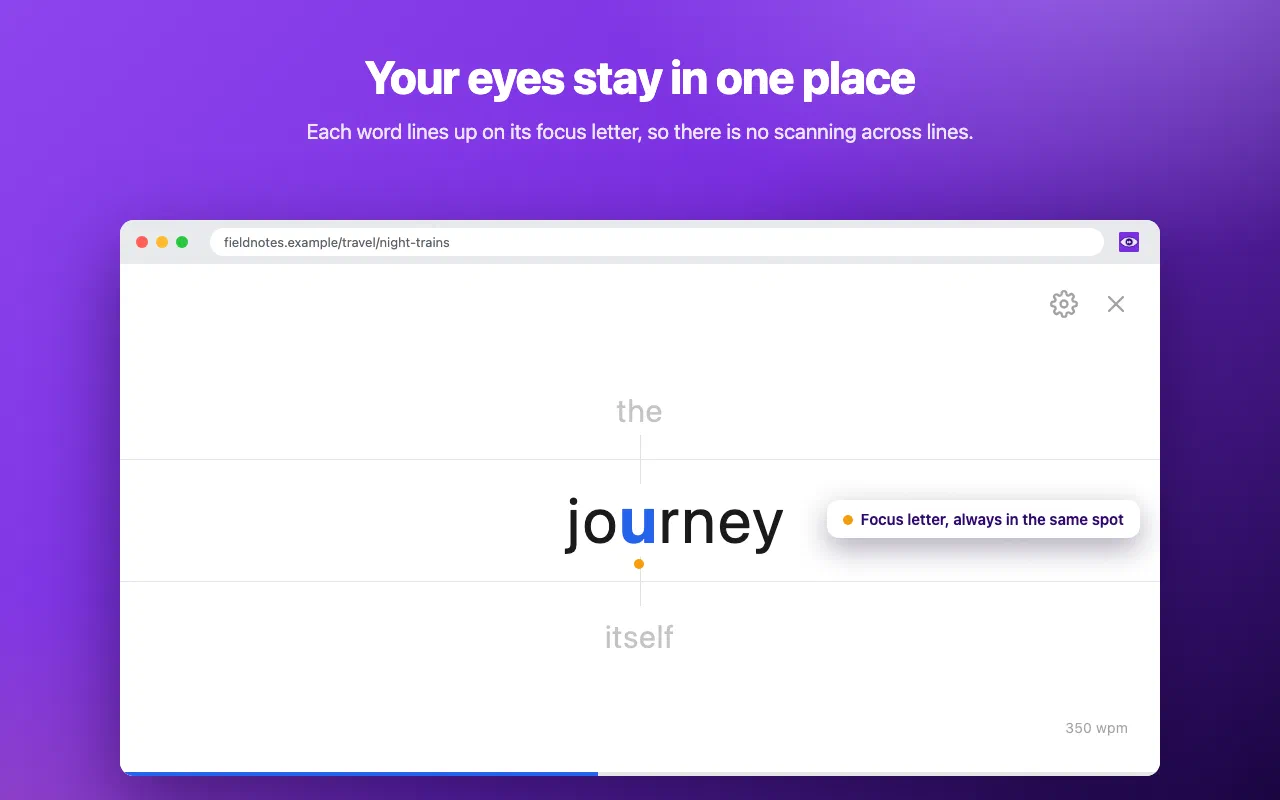
Speed Reader shows the text of the page you are on one word at a time, in a full-screen reader on top of the page. There is no scanning across lines and no losing your place. This technique is called RSVP (rapid serial visual presentation).
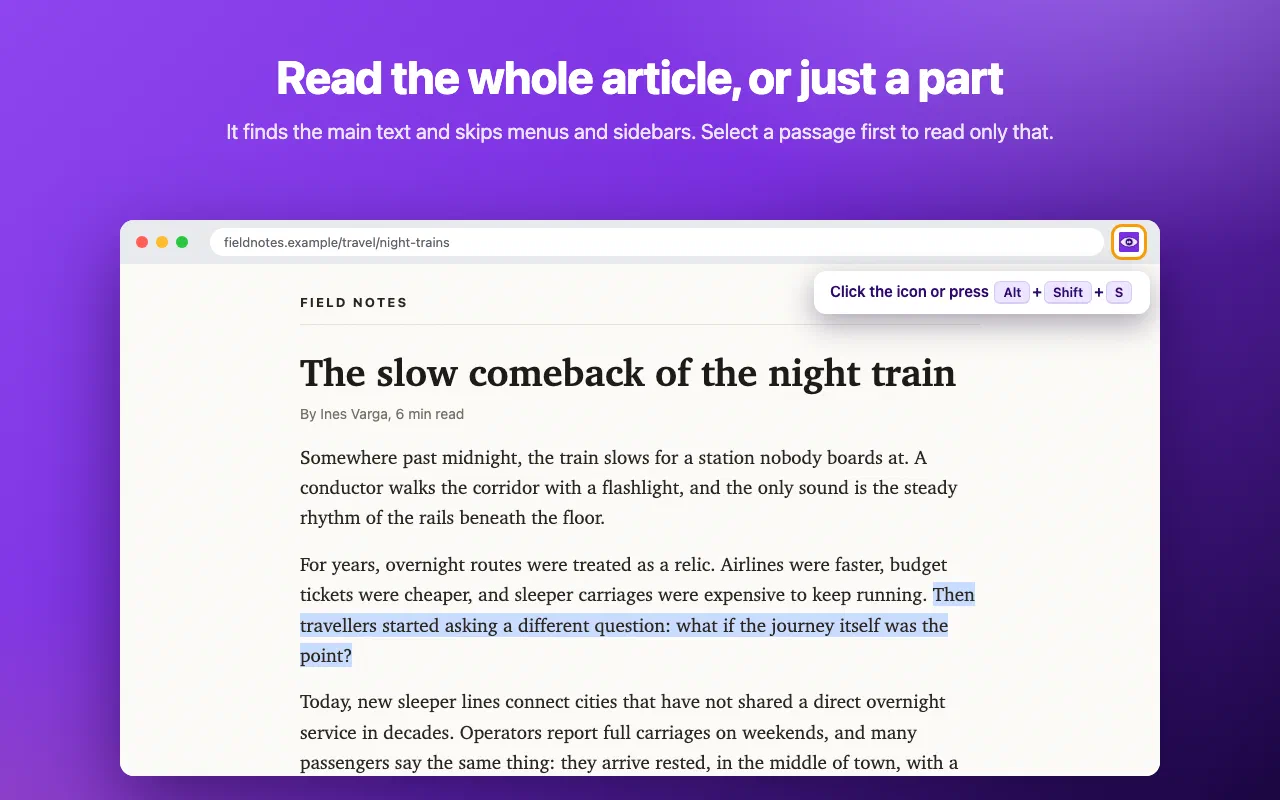
Click the toolbar icon or press Alt+Shift+S. Speed Reader finds the main text of the page by itself, counts down from 3, and starts.
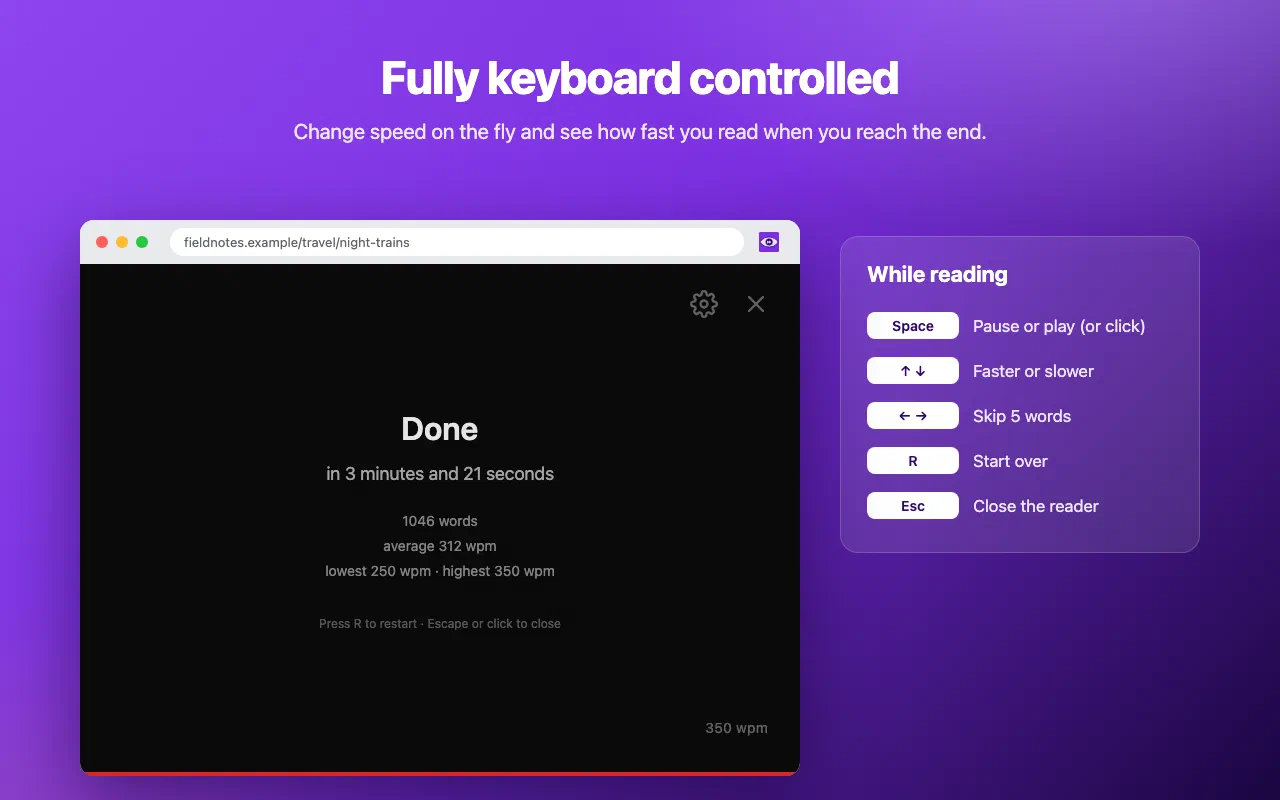
At the end you see how many words you read, how long it took and your average speed.
Chrome does not allow extensions on browser pages such as chrome://
or the Chrome Web Store, and Speed Reader does not read PDF files.
Every permission this extension asks for, and why it needs it.
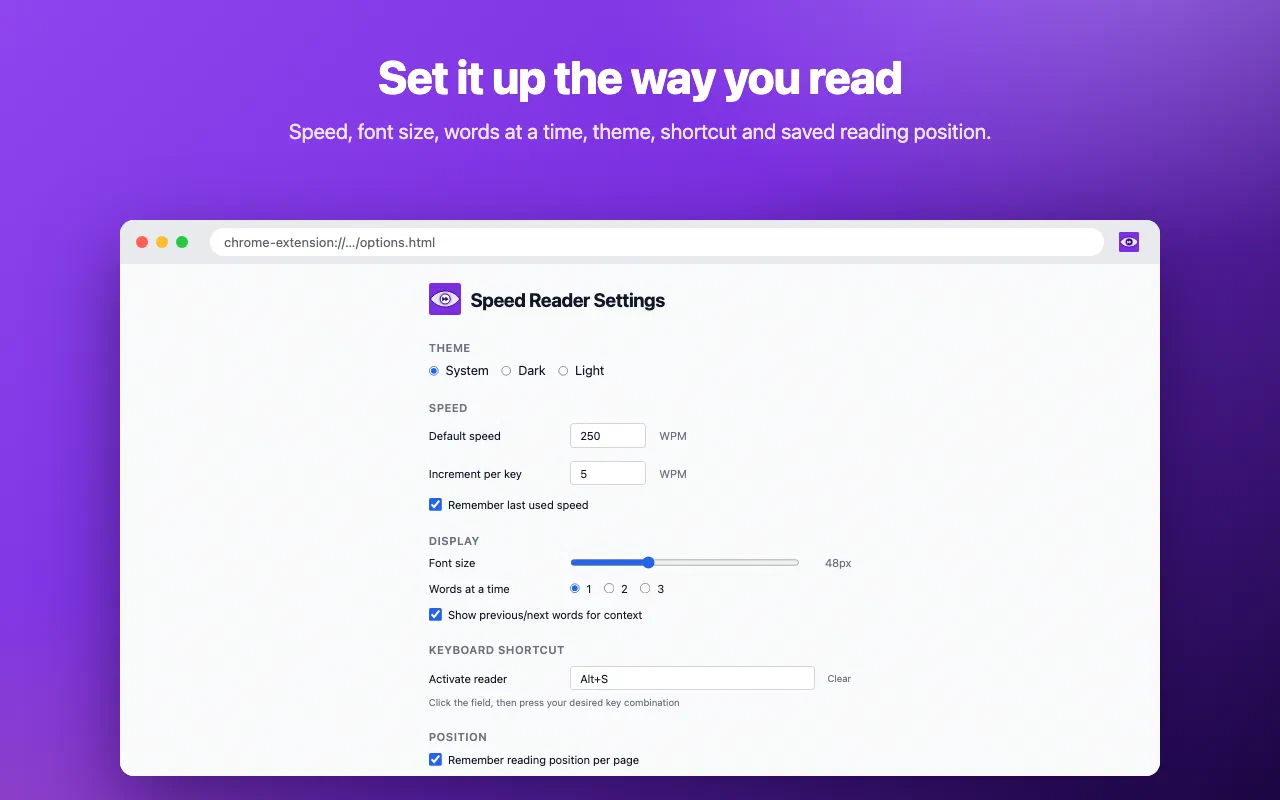
chrome.storage.sync, and, only when “Remember reading position per page” is on, the word position per page address in chrome.storage.local (at most 100 pages, oldest removed first).Speed Reader collects nothing and makes no network requests. The page text is read in your browser and only shown in the reader. Your settings stay in your browser. No account, no analytics, no server of ours involved.
Read the privacy policy →Need help with Speed Reader: One Word at a Time, found a bug, or have a feature request? Get in touch and we'll get back to you.