Home / Extensions / Username Generator
Username Generator icon

Username Generator

v0.1.1 Tools Coming soon

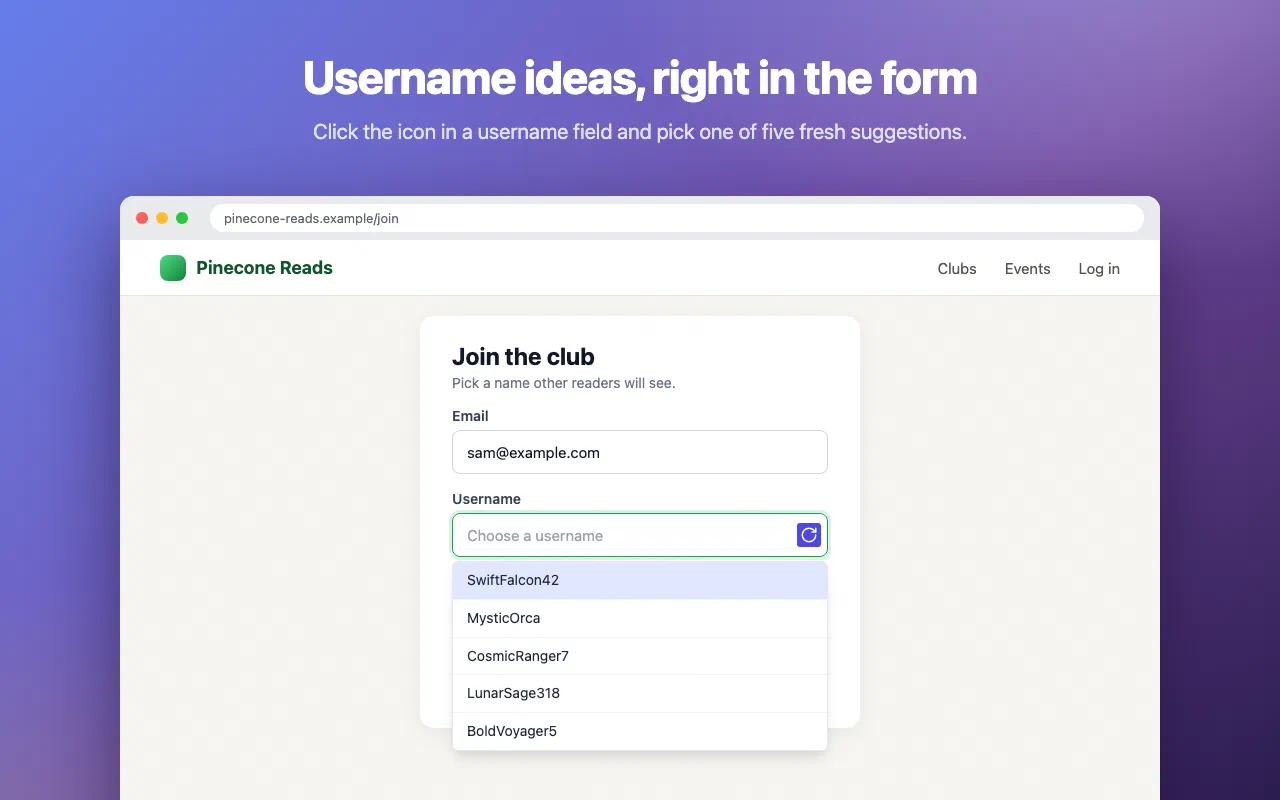
Stuck on a username? Get five fresh ideas right inside the sign-up form. Pick one and it is filled in.
Coming to Chrome Web Store Privacy Policy Support
  • Username suggestions right in the username field
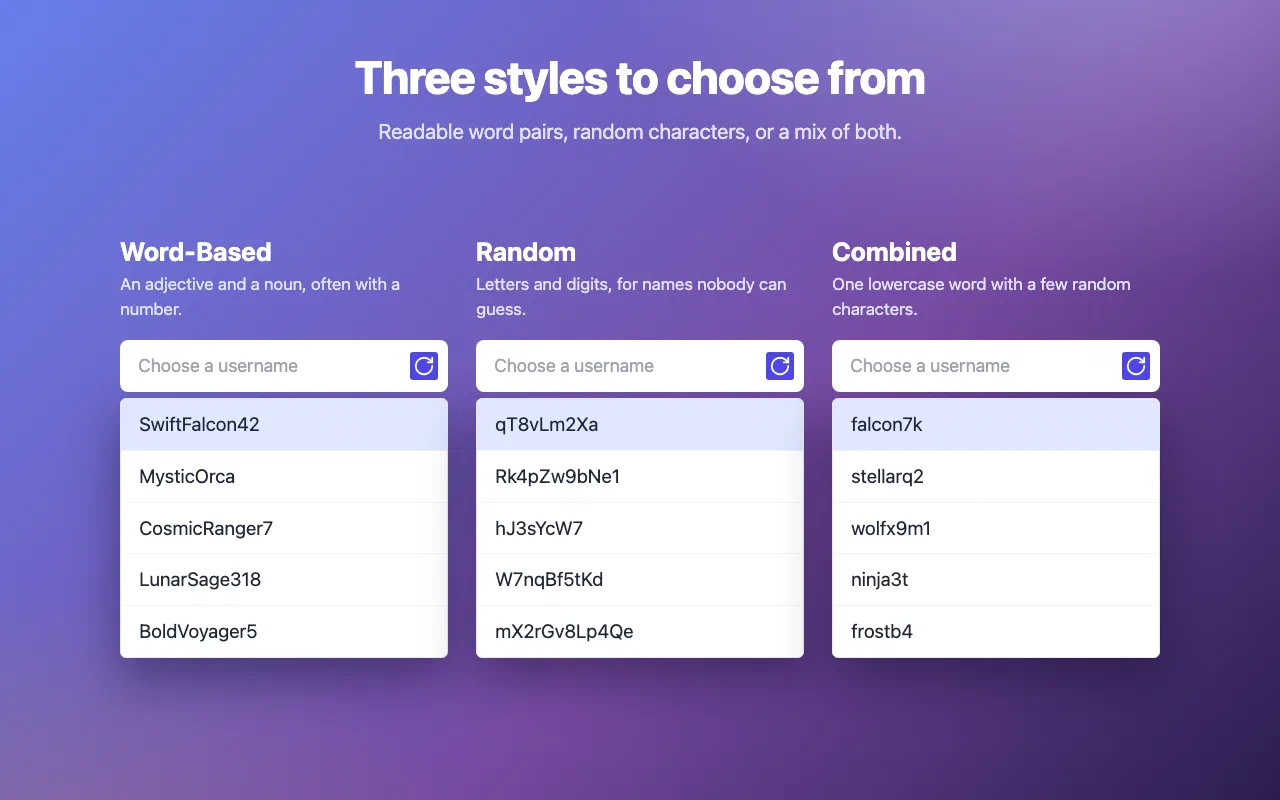
  • Word based, random and combined styles
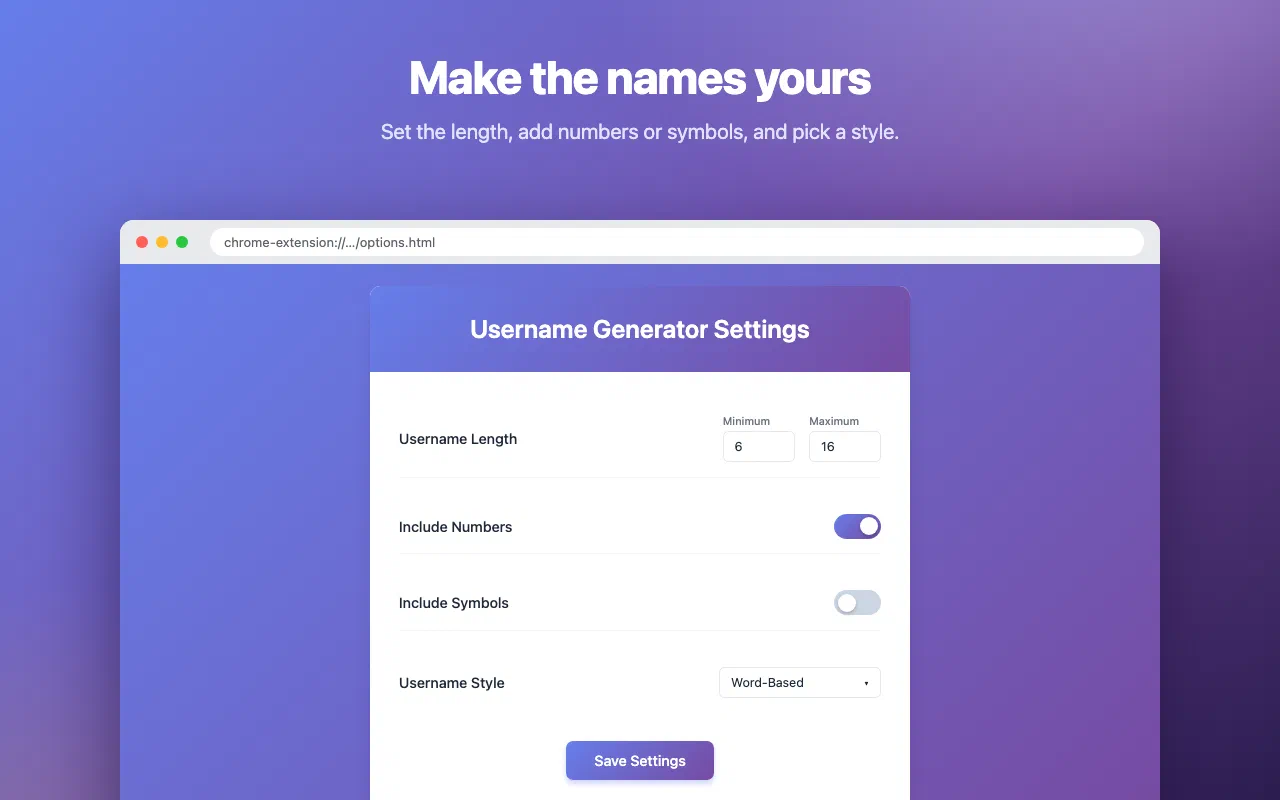
  • Choose styles and length on the settings page
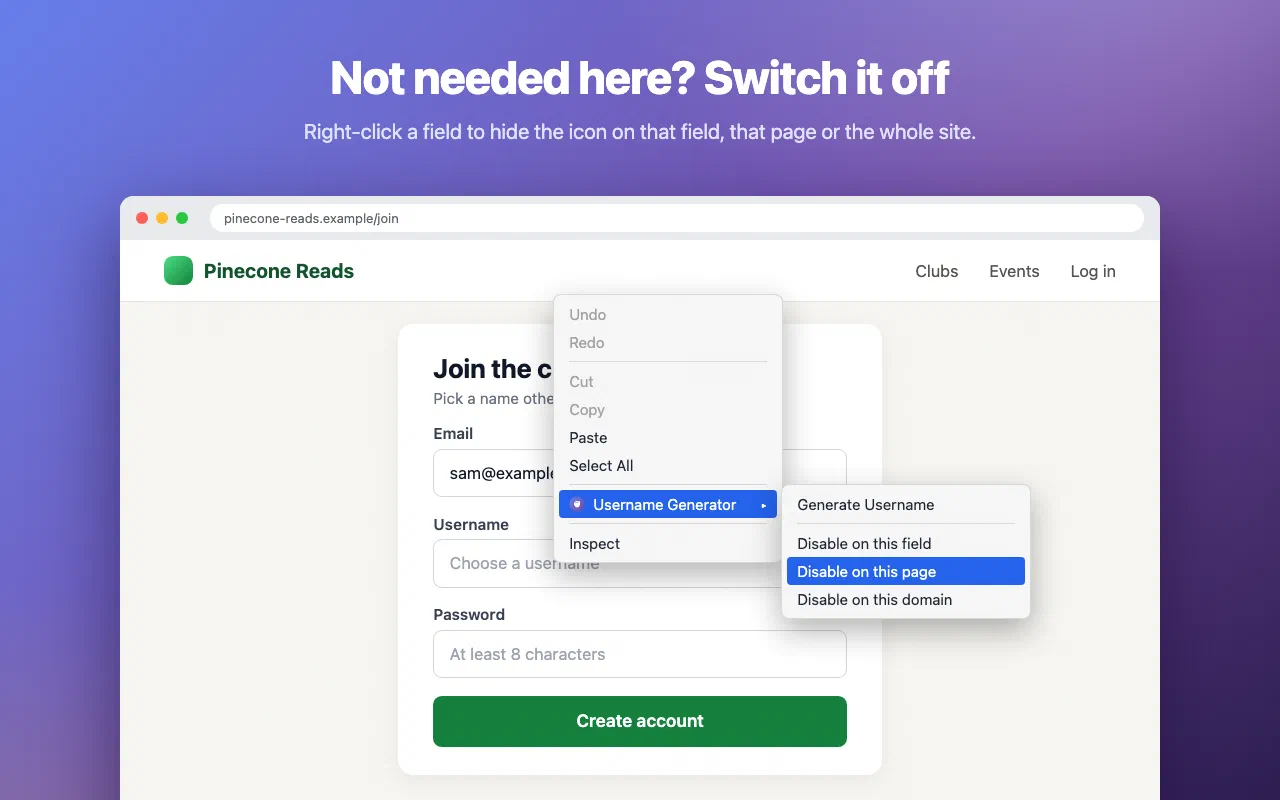
  • Switch it off for a site from the right-click menu
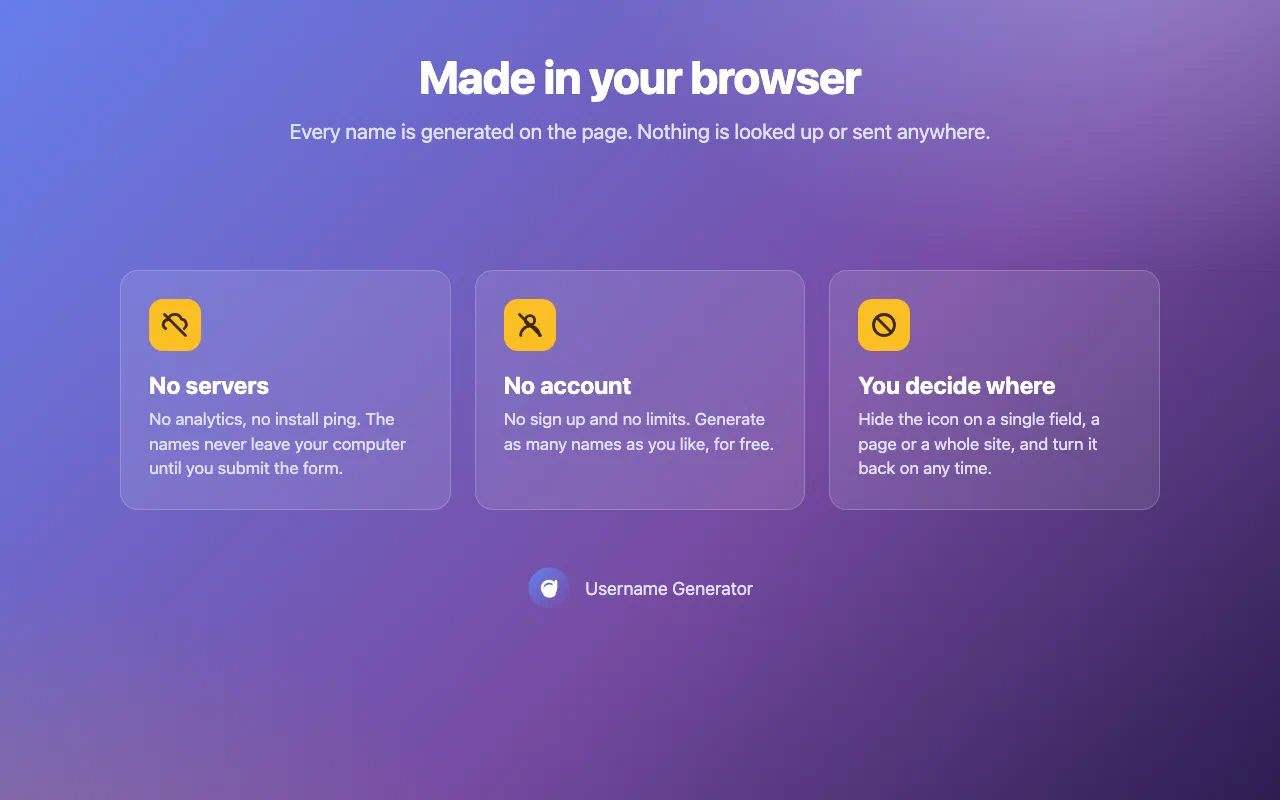
  • No servers, no account, you decide where it runs

What is Username Generator?

Username Generator places a small icon in the username fields of sign-up forms. Click it and a list of five suggestions opens under the field. Pick one and it is filled in.

How it works

The icon appears in fields that look like username or name fields: username, login, handle, nickname, screen name, display name and first, last or full name. Choose a style in the settings:

  • Word-Based: an adjective and a noun, often with a number, like SwiftFalcon42
  • Random: letters and digits, like qT8vLm2Xa
  • Combined: a lowercase word with a few random characters, like falcon7k

Right-click a field to switch the icon off for that field, that page or the whole site. Web developers can add data-username-generator="false" to a field to hide the icon there.

Who it’s for

  • Anyone who signs up for a new service and finds every good name taken
  • Gamers and creators looking for a fresh handle
  • Testers filling in sign-up forms all day

Features

What it doesn't do

Permissions

Every permission this extension asks for, and why it needs it.

Content script on all websites
Sign-up forms can be on any website, so the script checks text fields on each page for username and name fields (by name, id, label, placeholder and autocomplete attributes) and adds the suggestion icon. It does not read field values.
storage
Saves the generator settings and the fields, pages and sites where you switched the icon off.
contextMenus
Adds “Generate Username” and the “Disable on this field, page or domain” items to the right-click menu of editable fields.
scripting + activeTab
When you pick “Generate Username” from the right-click menu in a frame where the script is not running (for example a sign-up form in an iframe), the extension adds its script to that frame, only after this action.

Privacy first

Username Generator collects nothing and makes no network requests. Names are generated on the page, in your browser, and it never reads what you type. No account, no analytics, no server of ours involved.

Read the privacy policy →

Support

Need help with Username Generator, found a bug, or have a feature request? Get in touch and we'll get back to you.