
XGrab
v1.0.0
Tools
Coming soon
Save photos, videos and GIFs from X (Twitter), one post at a time or a whole profile in one click. Straight from X to your computer.
Save photos, videos and GIFs from X (Twitter), one post at a time or a whole profile in one click. Straight from X to your computer.
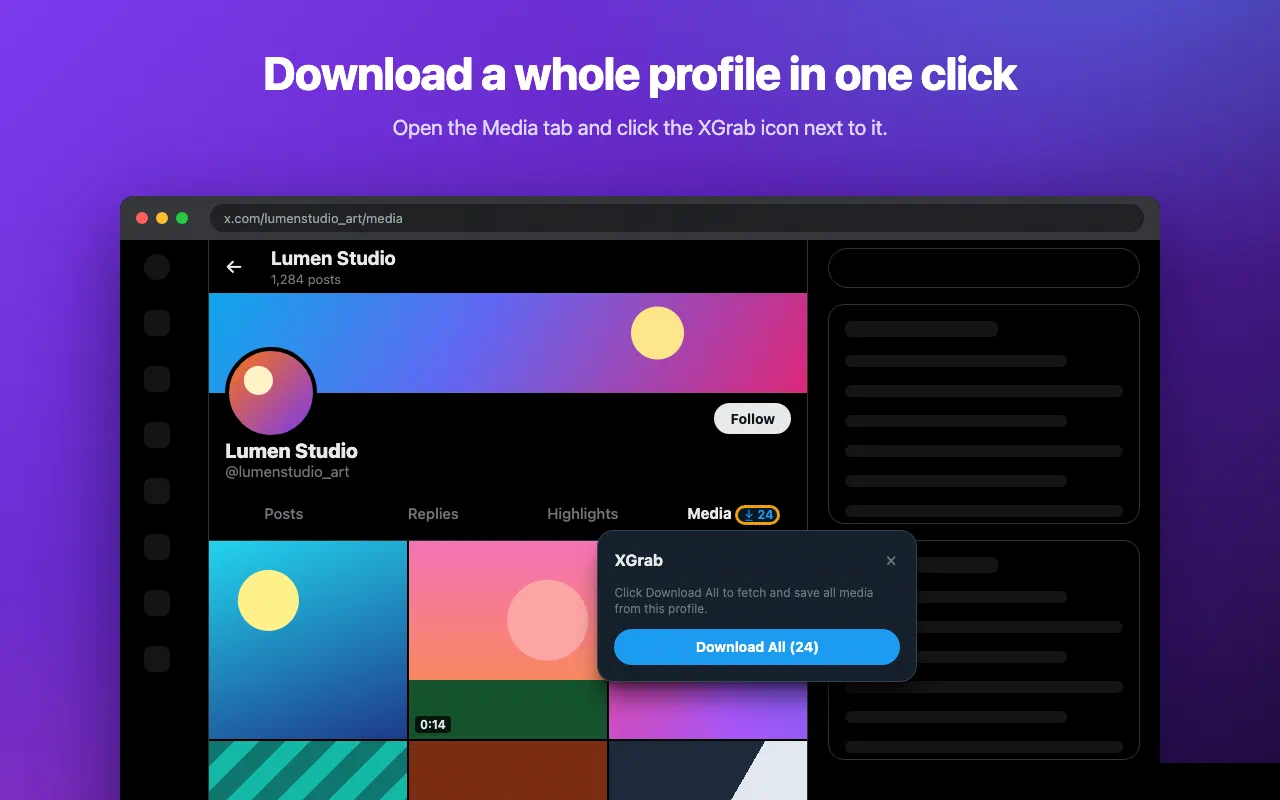
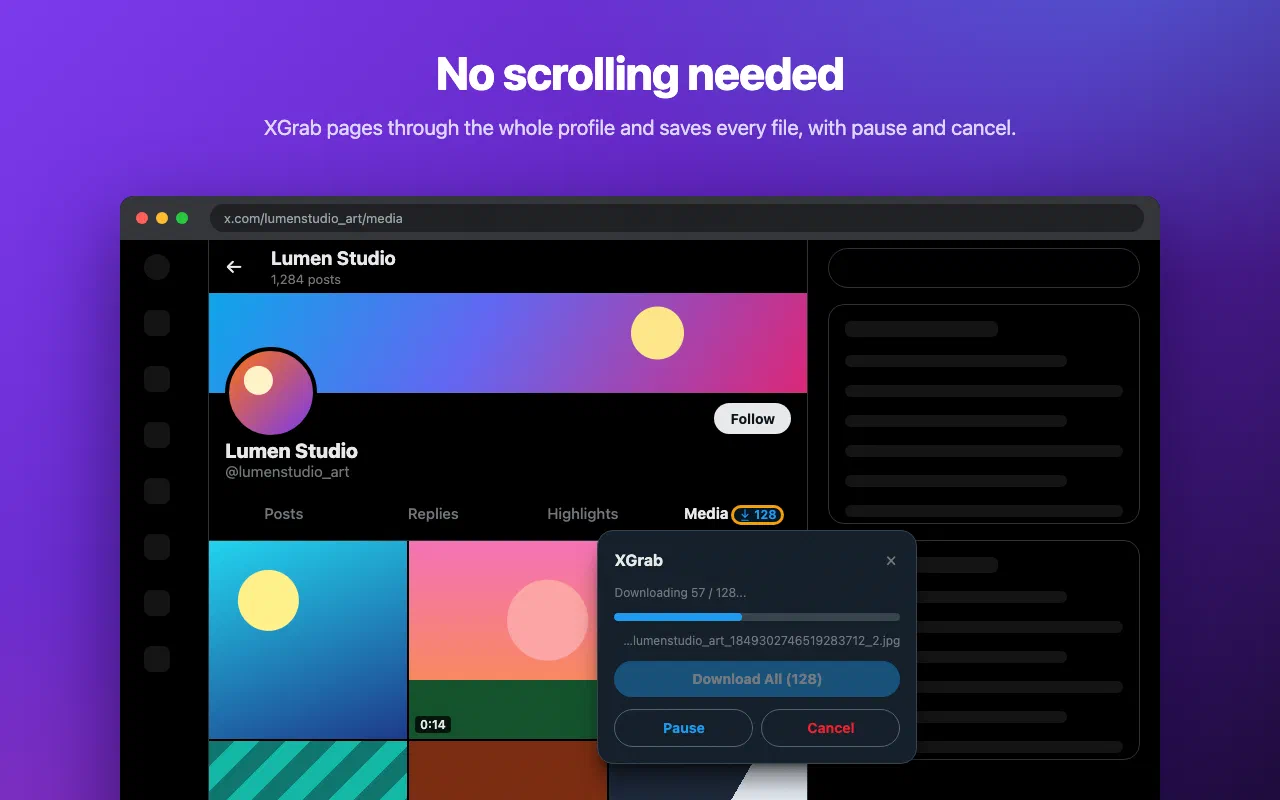
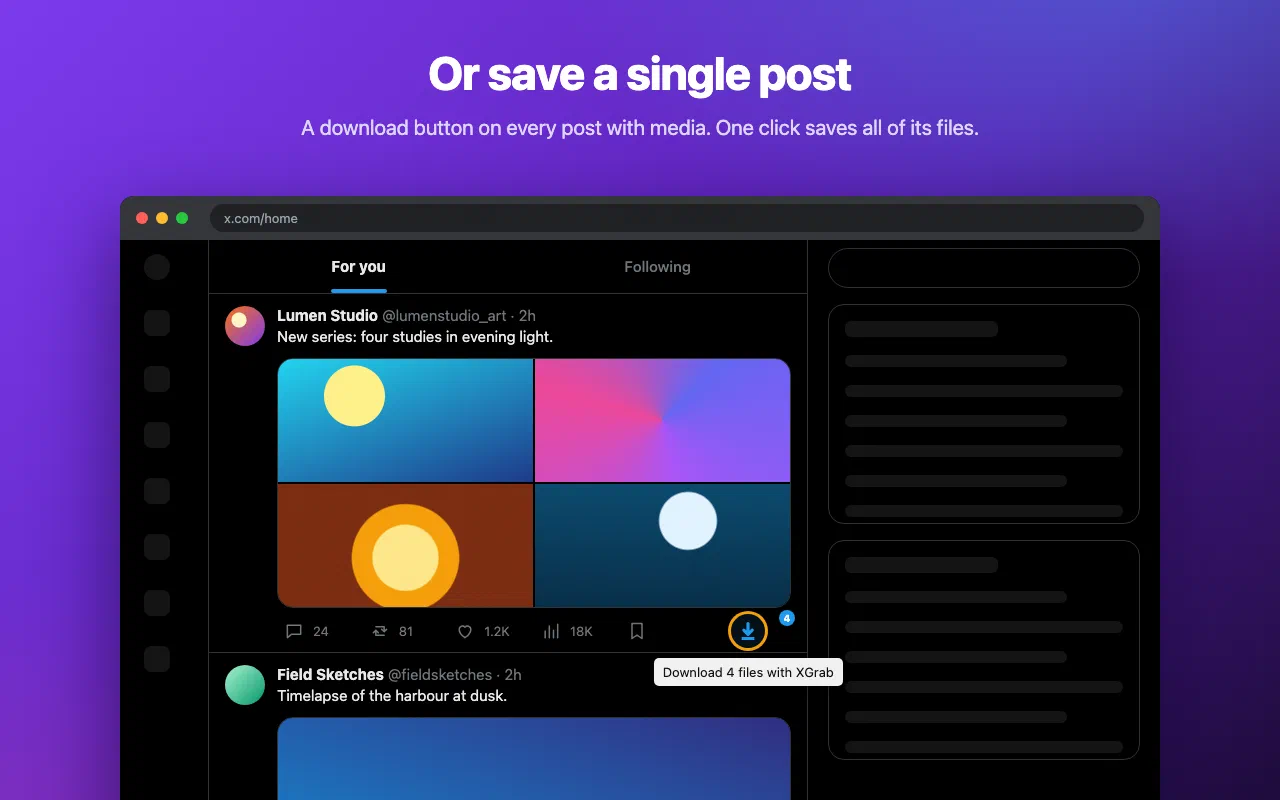
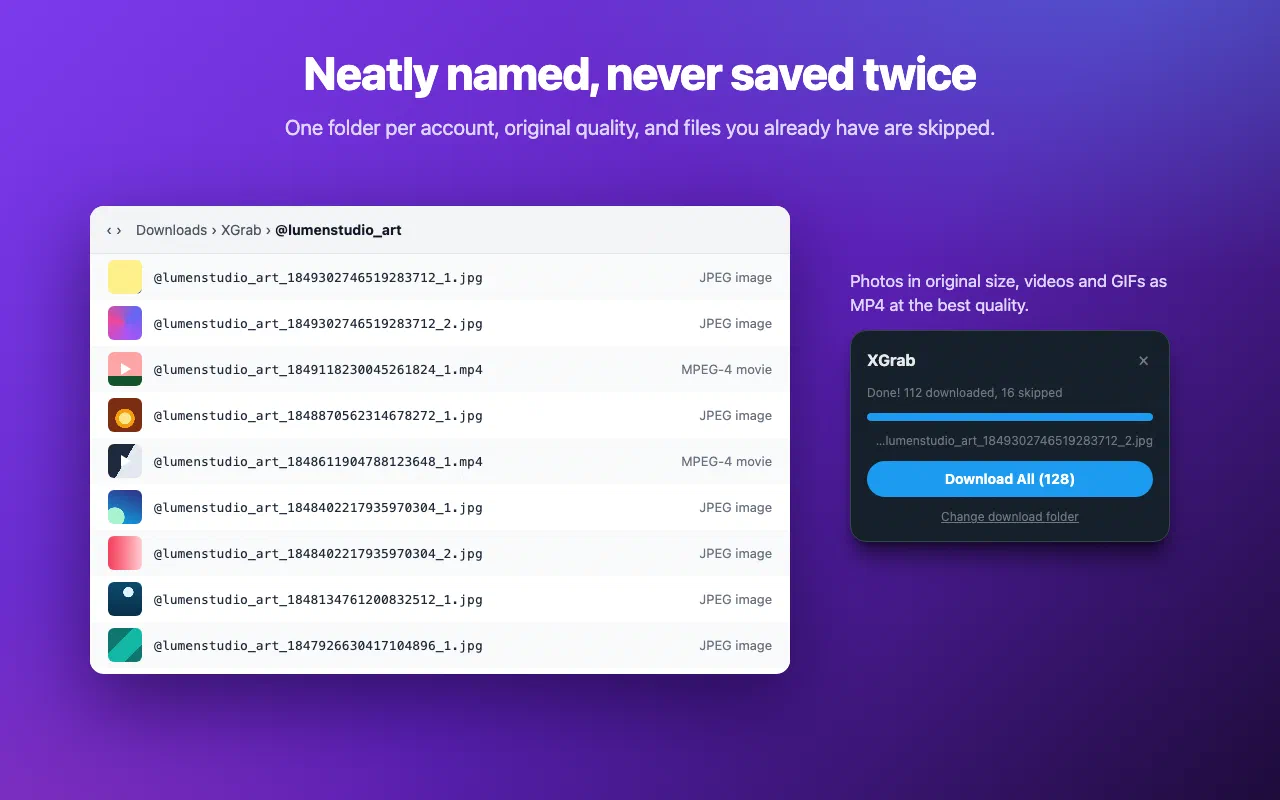
X shows you photos, videos and GIFs, but gives you no simple way to keep them. XGrab adds a download button to every post with media, and a Download All button to the Media tab of every profile.
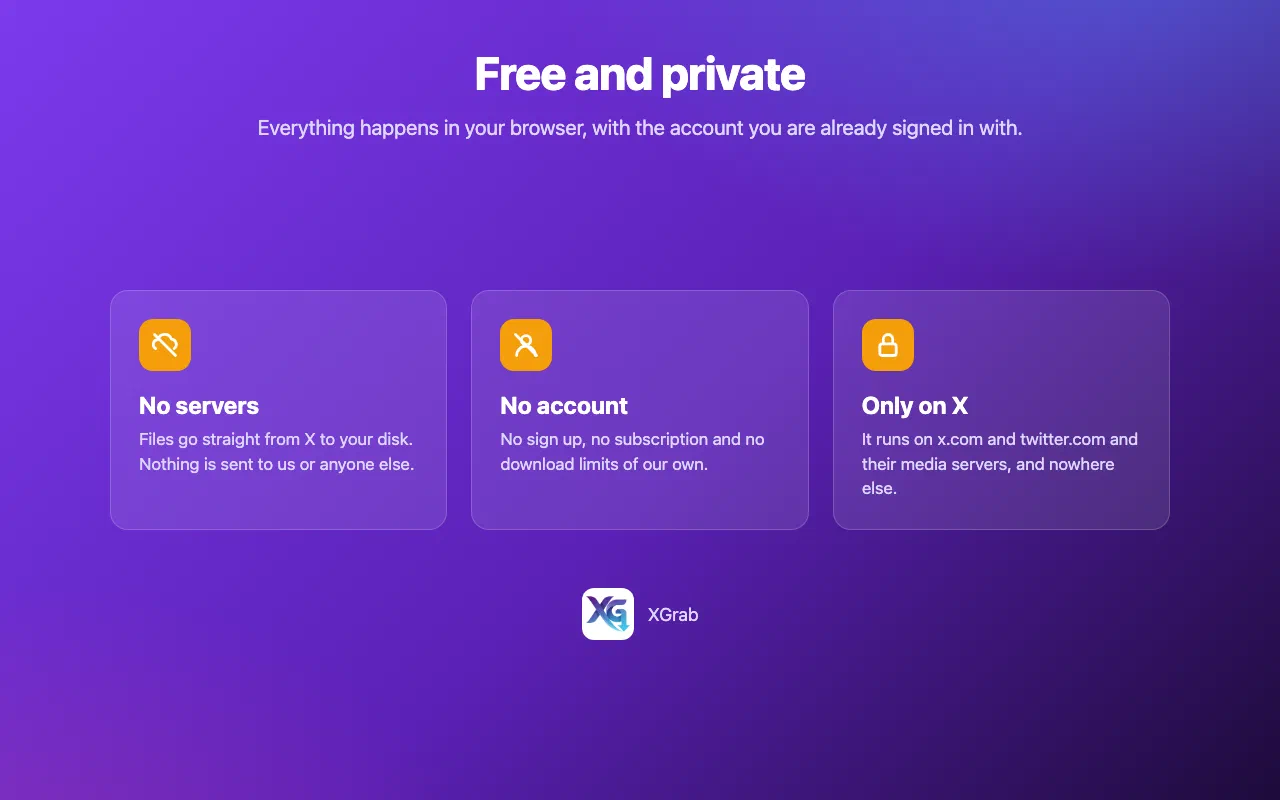
It is free, with no limits of our own and no server in between. Files go straight from X’s media servers to your computer.
On a profile, open the Media tab and click the small download icon next to “Media”, then Download All. XGrab lists the account’s media page by page and saves every file. You can pause, resume or cancel, and retry anything that failed.
On any post with media, click the download button in the action bar. Posts with several files show how many, and one click saves them all.
The first time, XGrab asks where to save. Pick a folder and it remembers
which files are already there, so running it again only saves what is
new. Close the folder picker and files go to Downloads/XGrab/@username/
instead.
XGrab is not affiliated with or endorsed by X Corp.
@username_postId_1.jpg, one folder per accountEvery permission this extension asks for, and why it needs it.
Downloads/XGrab/@username/ when you have not picked a folder, and checks whether a file was saved before so it is not downloaded twice.authorization, x-csrf-token and x-twitter-* headers of your session. XGrab repeats that request with a page cursor to list a profile’s media when you click Download All. These headers are stored locally and only ever sent to X.XGrab collects nothing. It has no server, no analytics and no install ping. To list a profile's media it reuses your own X session, and keeps a copy of that request's headers in your browser. They are only ever sent back to X.
Read the privacy policy →Need help with XGrab, found a bug, or have a feature request? Get in touch and we'll get back to you.