
XML Format
v3.0.1
Developer Tools
Coming soon
Open any XML page and read it as a clean, color-coded tree instead of a wall of text. Fold elements, click a tag for its XPath, and query the document.
Open any XML page and read it as a clean, color-coded tree instead of a wall of text. Fold elements, click a tag for its XPath, and query the document.
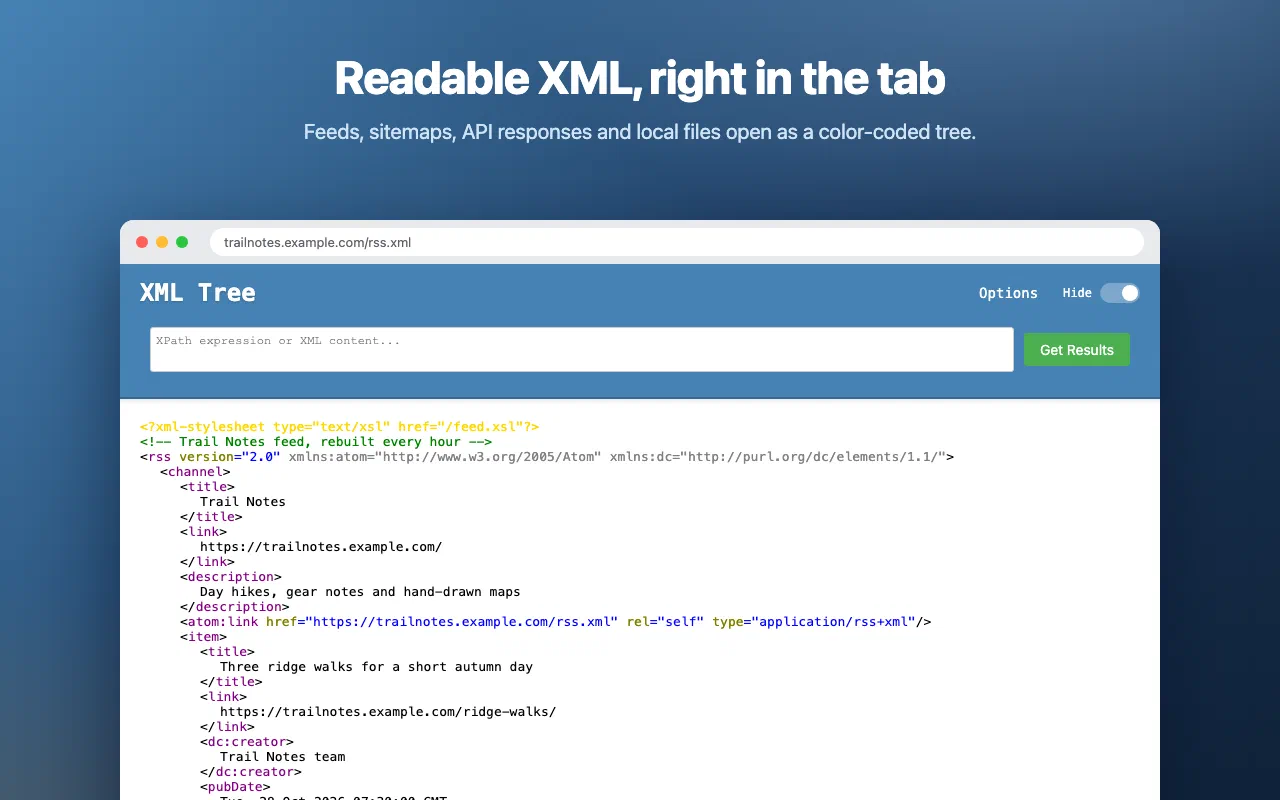
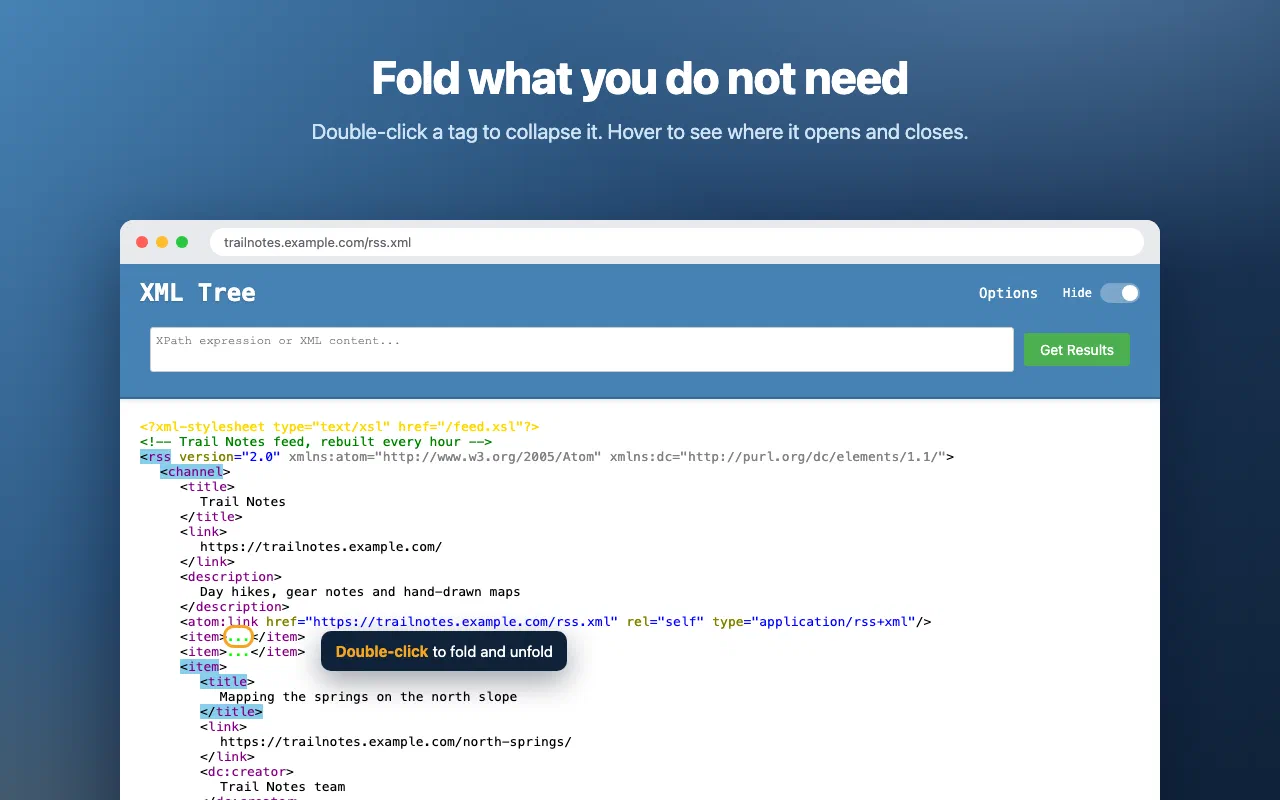
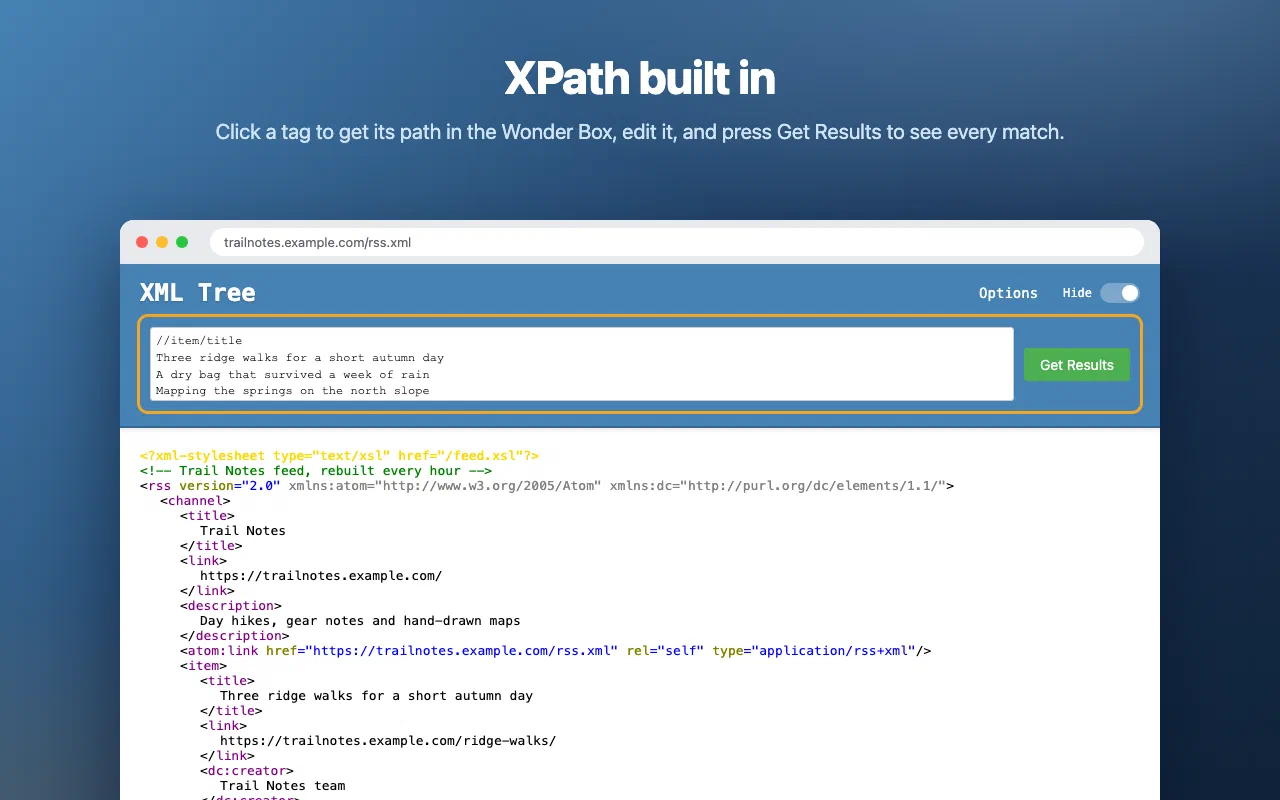
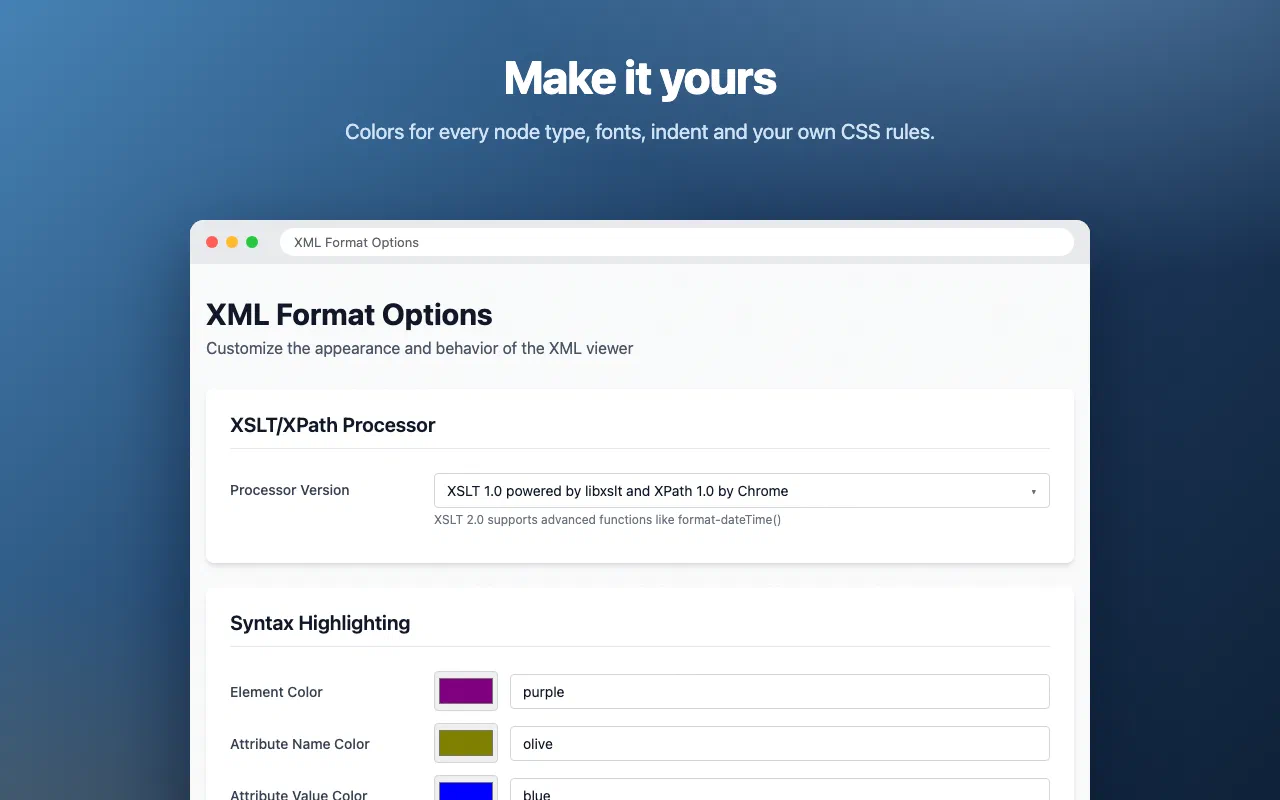
Browsers show XML as a dense block of text, or not at all. XML Format takes over when the page in your tab is an XML document (RSS and Atom feeds, sitemaps, SOAP and REST responses, config files and exports) and turns it into a readable, interactive tree.
It is a maintained Manifest V3 rebuild of XML Tree by Alan Stroop, open source under the Mozilla Public License 2.0.
Open any XML address and the tree appears. Double-click a tag to fold it. Click a part of the document and its XPath appears in the Wonder Box at the top, ready to edit. Press Get Results to list every match. XPath runs on your browser’s own engine.
The options page lets you pick the color of every node type, the font, size and indent, and turn line wrapping, the banner, the XML declaration and clickable links on or off.
To view .xml files from your computer, open the extension’s details
page in Chrome and turn on Allow access to file URLs.
Every permission this extension asks for, and why it needs it.
chrome.storage.sync, so Chrome can sync them between your own browsers.file:// URLs. On each page the extension checks whether the document is XML and, only if it is, replaces it with the tree view. Nothing from any page is stored or sent.XML Format collects nothing. Your XML is parsed and shown in your browser, and the extension makes no network requests. Your display preferences sync with your Chrome profile, and we never see them.
Read the privacy policy →Need help with XML Format, found a bug, or have a feature request? Get in touch and we'll get back to you.